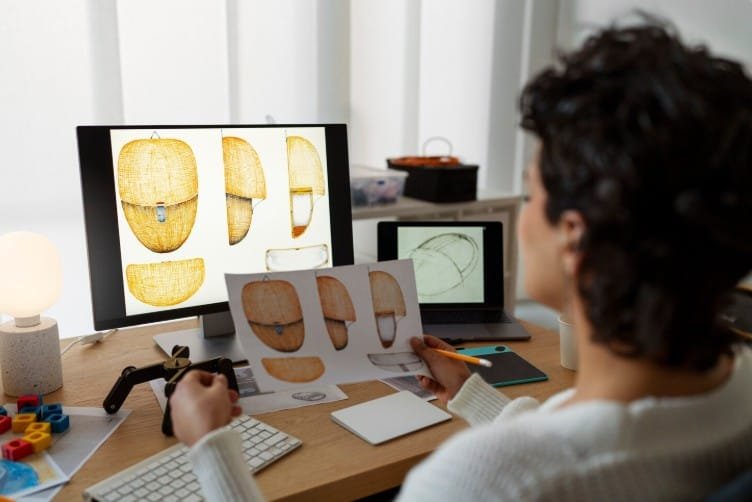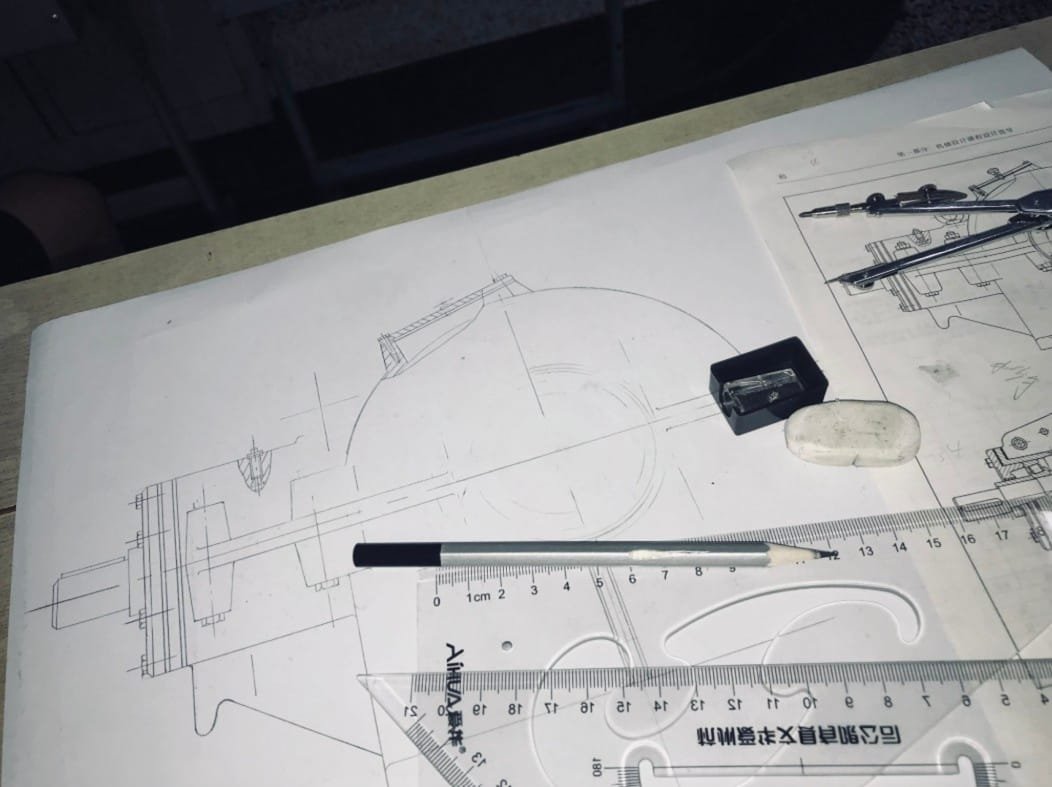

It is an important activity in today’s engineering environment where 3D computer-aided design (CAD) models are transformed into technical drawings to facilitate the manufacturing and production processes. Such technical drawings contain all the dimensional, tolerance, annotation, and assembly details necessary at each stage of product development. 2D drafting in SolidWorks assists engineers in creating standardized documents, facilitates communication, and achieves accurate design from conception to manufacturing.
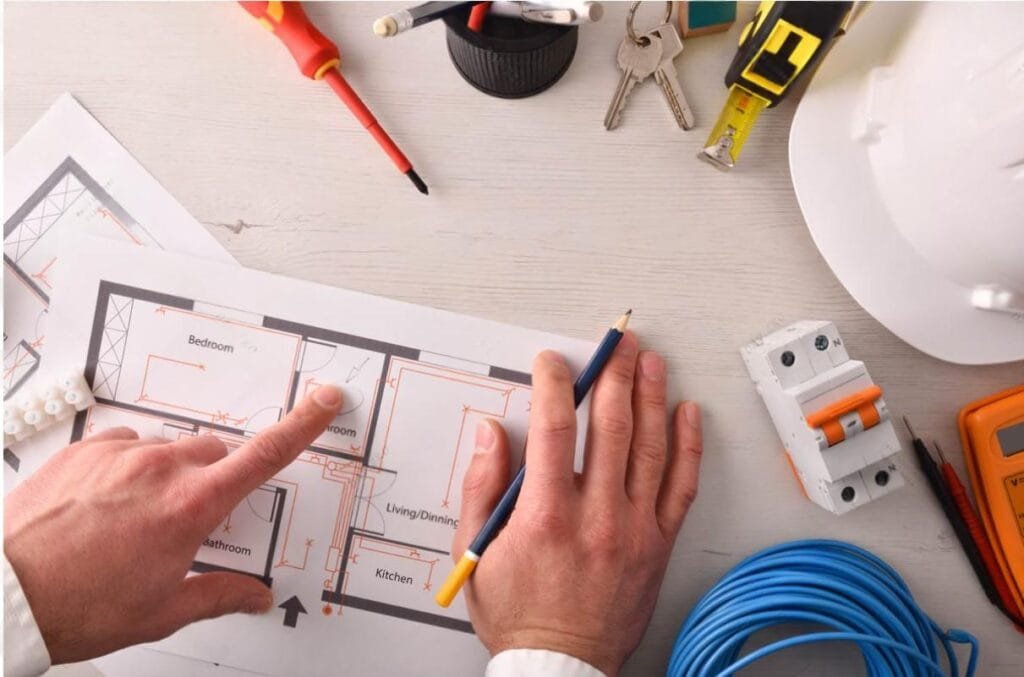
Understanding SolidWorks 2D Drafting
SolidWorks 2D Drafting is the creation of engineering drawings based on 3D CAD drawings by means of special software. The software creates all views, including orthographic, section, detail, dimensions, and annotations, automatically based on the computer model. This makes the creation of drawings more precise and allows for changing the documentation in case of changing the design at any time. Design HOK is the best choice for Solidworks 2d drafting.
Engineering Drawings
The engineering drawings contain the technical information needed for manufacture, inspection, and assembly. Precise documentation makes sure that all departments use the same engineering information during product development. Specialized 2D Drafting in SolidWorks allows the engineers to make standard drawings that facilitate communication among engineering, manufacturing, and quality control departments.
Design Documentation
Full documentation is one of the main strengths of SolidWorks 2D drafting. The engineers prepare manufacturing drawings, which contain all the necessary information, including dimensions, tolerances, notes, material specifications, and manufacturing data. Best documentation helps in reducing any kind of uncertainties and makes the production planning process efficient.
Accuracy of Dimensioning
Dimensioning is an important aspect of manufacturing, and it has to be done accurately. SolidWorks 2D drafting offers smart dimensioning capabilities that are precise and consistent in technical drawings. Correct dimensioning ensures that there will be no mistakes during manufacture, ensures high-quality manufacture of the part, and makes engineering analysis easier.
Assembly Drawings
The assembly drawings represent how individual parts are used to make up the complete product. The engineers use the assembly drawings to evaluate assembly methods, parts, and the overall assembly of the product before manufacture. The professional 2D drafting using SolidWorks enhances the assembly drawings.
Manufacturing Support
Manufacturing teams rely on technical drawings to understand product specifications before production starts. SolidWorks 2D drafting ensures that you have professional documentation for fabrication, assembly, inspection, and quality assurance purposes. Engineering drawings ensure efficient production and minimize documentation mistakes as well as any production lags.
Product Development
SolidWorks 2D drafting assists with product development through professional engineering documentation at all stages of the design. The engineers will be able to study the drawings, validate the design information, and communicate the technical information before the manufacturing process. The documentation enables the team to see what is required and make any changes needed to ensure engineering precision during the whole development process.
Efficient Workflow
An efficient workflow improves engineering performance, and 2D drawing in SolidWorks ensures easy creation and modification of technical drawings. The drawing modifications will always relate to the initial 3D model. This method avoids repetitive actions and allows effective documentation.
Collaboration in Design
Engineering design requires cooperation from designers, manufacturers, and quality engineers. The 2D drafting in SolidWorks enables creating standardized engineering drawings, which will be used by all departments within the company. Effective collaboration improves communication, accelerates the design approval process, and provides correct manufacturing documentation to manufacturing groups.
Applications in Industry
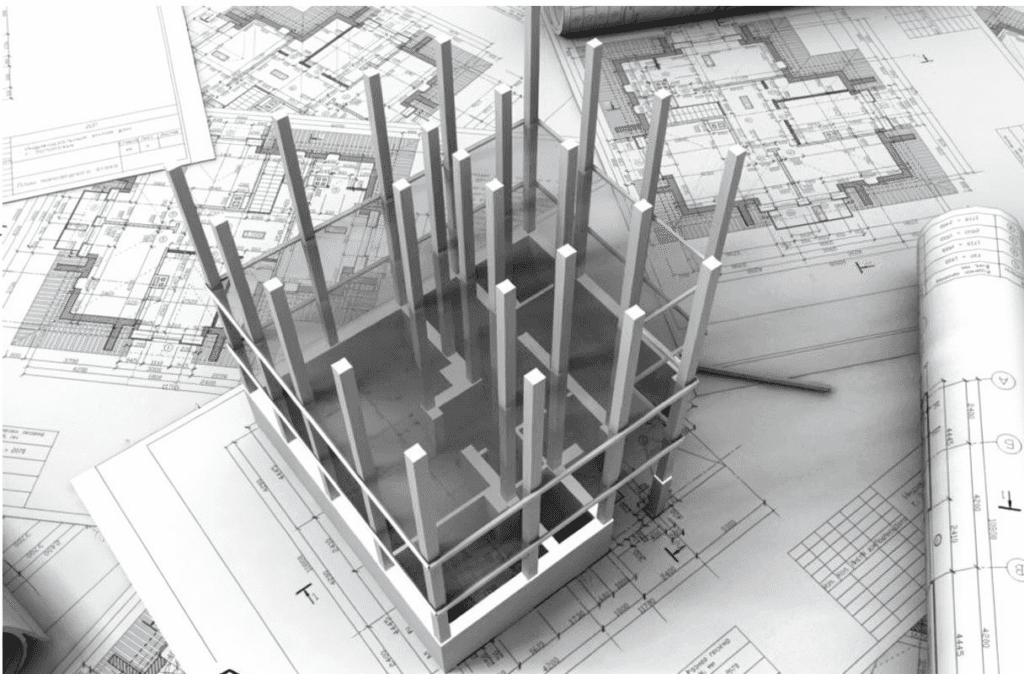
The use of 2D drafting in SolidWorks can be found in the following industries: mechanical engineering, engineering of industrial machines, machine designing, manufacturing, automotive engineering, and product development. Professional drafting is required by engineering companies to create accurate technical documentation for production and quality control. Due to its versatility, SolidWorks is important for businesses engaged in the design and manufacturing of parts.
Future of SolidWorks 2D Drafting
The future of SolidWorks 2D drafting is defined by such trends as intelligent automation, cloud collaboration, and digital engineering platforms in document creation. Thanks to the above-mentioned technologies, engineers can create drawings much faster without compromising on their accuracy. Being more and more digitized, the process of engineering will continue using 2D drafting in SolidWorks for effective documentation, collaboration, and manufacturability of parts.
Conclusion
2D drafting in SolidWorks is an integral part of engineering, providing accurate technical drawings needed in the process of product development and manufacturing. The technology ensures good communication and efficient planning of manufacturing, as well as engineering documentation consistency in all projects. 2D drafting in SolidWorks allows professionals to minimize documentation errors, improve engineering collaboration, and ensure the quality of products via digital drawings.
FAQs
1. What is 2D Drafting in SolidWorks?
2D Drafting in SolidWorks consists of making engineering drawings based on your existing 3D CAD models.
2. Why Should You Use SolidWorks Drafting?
It will also increase the precision of the drawings and will be of help in documentation and engineering.
3. What Is 2D Drafting in SolidWorks?
2D drafting in SolidWorks is a process in which technically accurate, dimensioned drawings with notes and manufacturing information are created.
4. Why Do We Need Engineering Drawings?
Engineering drawings are required to ensure that manufacturing, testing, assembly, and other activities are performed accurately.
5. How Does Drafting Increase Precision?
Automatic updating of drawings and precision dimensioning tools increases the accuracy of engineering drawings.
6. How Does Drafting Help in Manufacturing?
It allows one to get ready-to-use drawings for manufacturing and assembling processes.
7. Which Industries Use SolidWorks Drafting?
There are many applications of SolidWorks drafting in the industry: mechanical engineering, manufacturing, industrial machinery, automotive, and product development.