
How Does 3D Rendering Work
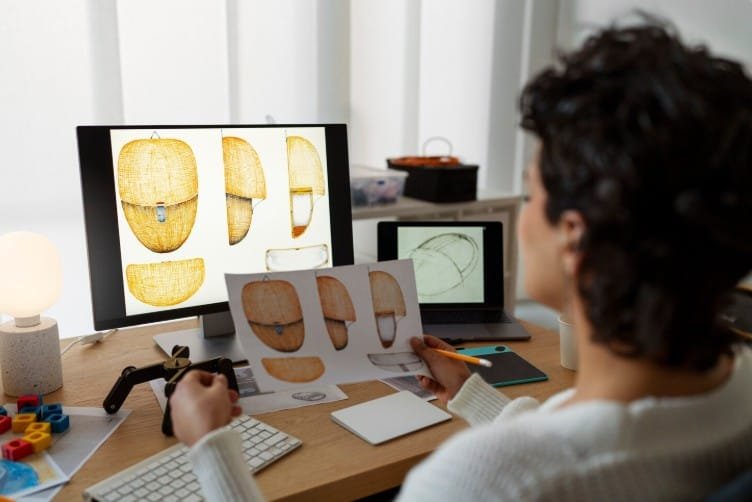
The technique of 3D rendering is essentially how a digital 3D model can be turned into a high-quality 2D image or animation through the use of computer software. It plays a large part in modern product design and digital animation. In engineering and product development, the rendering process is used to generate photorealistic images from complex CAD technical drawings. How does 3d rendering works is not just a question.
Importance of the 3D model
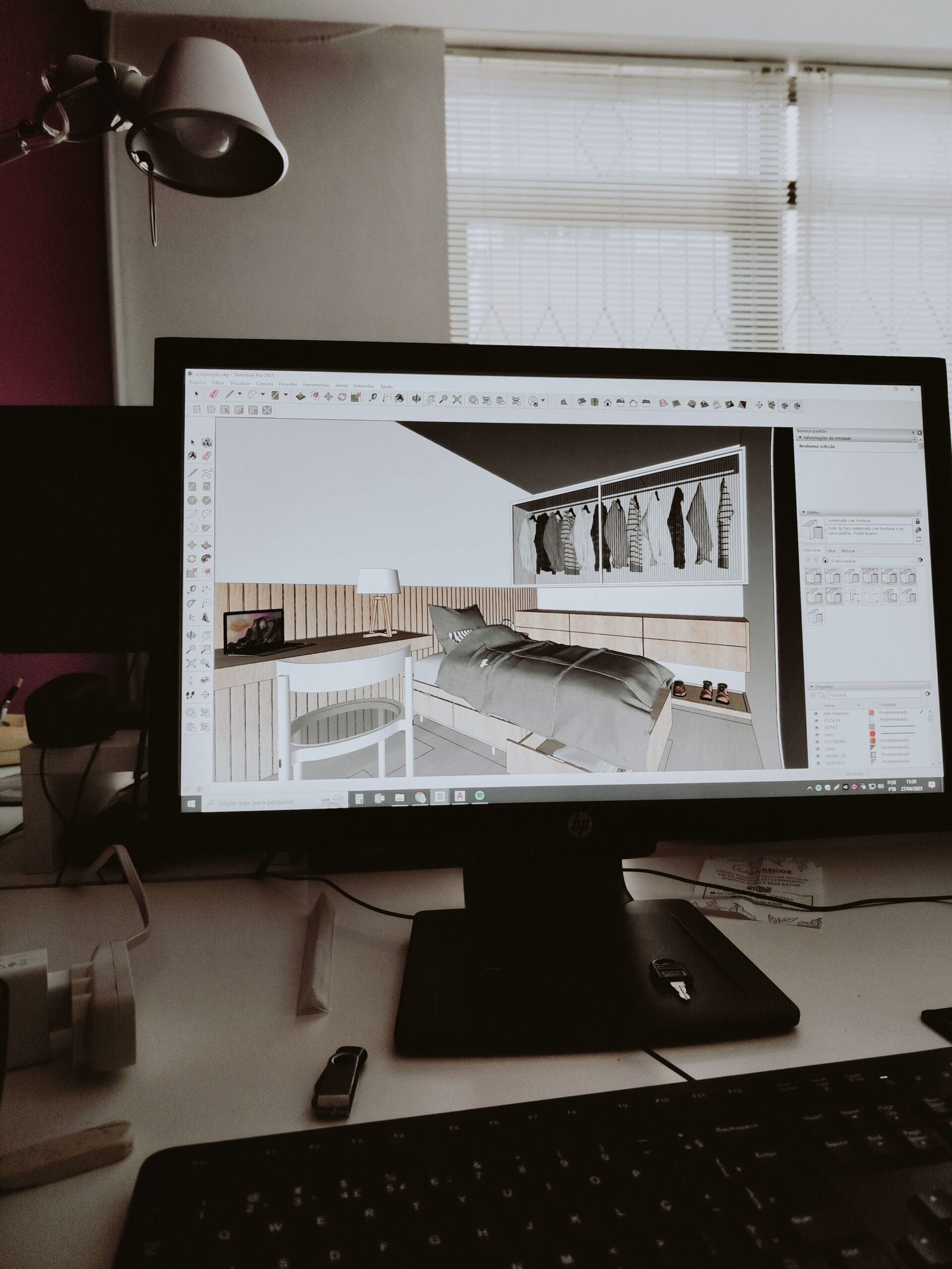
The 3D model is essentially the “backbone” of all your rendering, and it should be carefully constructed in specific CAD or modeling software before rendering. This is to ensure that the shape, structure, size, etc., of the models are exactly correct and meet the specification, as any geometric error can affect rendering quality.
Materials and textures
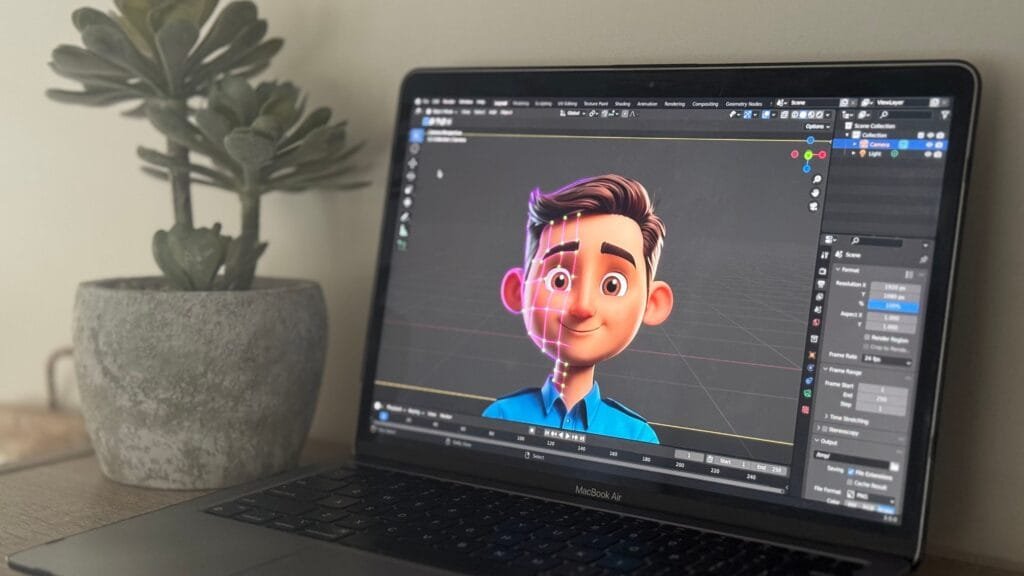
Materials and textures assign attributes of appearance, like color, shine, opacity, transparency, or patterns, to a certain number of faces on a 3D model. Once on the model, they apply realism to the design, such as the appearance of chrome or the brush stroke effect on brushed metal or a type of plastic. Most engineering-related professionals ask how does 3d rendering works.
Rendering Engines and Processing
What is the process of 3D rendering? To produce a final 2D image, a rendering engine uses data from a 3D model. This data includes geometry, materials, textures, and scene lighting. It creates realistic shadows, reflections, and other visual effects. It does this by running complex calculations to see how light interacts with objects. In today’s world, it’s important to learn how does 3d rendering works.
Real-Time Rendering vs. Offline Rendering
Real-time rendering is an instant process generally associated with gaming and interactive 3D visualization, which produces images at speed. Offline rendering produces photorealistic and extremely detailed images but can take a considerable length of time due to the complex nature of rendering this quality of image, and is typically used for animations and product visualization. Design HOK provides the guide on how does 3d rendering works.
Role of Rendering in Product Visualization
In product design and engineering, rendering helps create realistic visual representations of products before they are physically manufactured. Designers and clients are able to evaluate the look, feel, and design aesthetics of a proposed design early in the process. This is beneficial in decision-making and reducing production risks.
3D Rendering in Modern Design Workflows
3D rendering may be very essential for improving teamwork between the designer, the engineer, and the ultimate consumer. They convert complex technical data into easy-to-understand visuals. This can significantly improve project approvals and minimize misunderstandings, and improve the validation process of the design during the product development phase.
Advantages of 3D Rendering
The advantages that the design process can gain by 3D rendering are enhanced visualization, better communication of design, realistic demonstration of products, enhanced marketing ability, and lower prototyping costs, as a digital representation can assess the visual appeal and design of a product before it’s built.
Future of 3D rendering
Rendering engines, cloud-rendering farms, real-time ray tracing, and machine-learning-based optimization are set to make the rendering process even faster, more realistic, and affordable, hence paving the way for its increased adoption in engineering, product design, and digital media production industries.
Conclusion
3D rendering is the process of creating a high-fidelity visual image or animation from a digital 3D model. This process is an essential step in product design, engineering, animation, and industrial visualization. The modeling and texturing, lighting, and rendering engines all contribute to producing the high-fidelity image required to visualize the product effectively and to facilitate the decision-making process in modern product design.
FAQs
1. How is 3D rendering performed?
A rendered picture is typically generated by applying materials, lights, and textures, and placing a camera on the 3D model, then using a renderer to render an image.
2. What is a rendered image?
A rendered image is an animated picture or image created using rendering engines to calculate the behavior of light.
3. What is real-time and offline rendering?
Real-time rendering will produce a picture instantaneously, but produces less detail than offline rendering. Offline rendering takes longer to render the picture, but provides much higher detail rendering.
4. What impact does lighting have on 3D rendering?
Lighting is used to help develop the depth and detail in the rendered image. Without light, the 3D model is not rendered with its depth or any reflections.
5. What is 3D rendered mapping?
Texture mapping adds material, texture, and color detail to a 3D model so that it is rendered in a more realistic look.
6. What are the uses of 3D rendered graphics?
Product design, engineering, architecture, animation, and marketing visualization.
7. How are 3D rendered graphics used in product design?
A prospective product is rendered in 3D by product designers. They are able to visually see a product without the expense of having it made. This leads to more time for product design, as well as reducing the chances of having to amend design flaws further down the design process.