
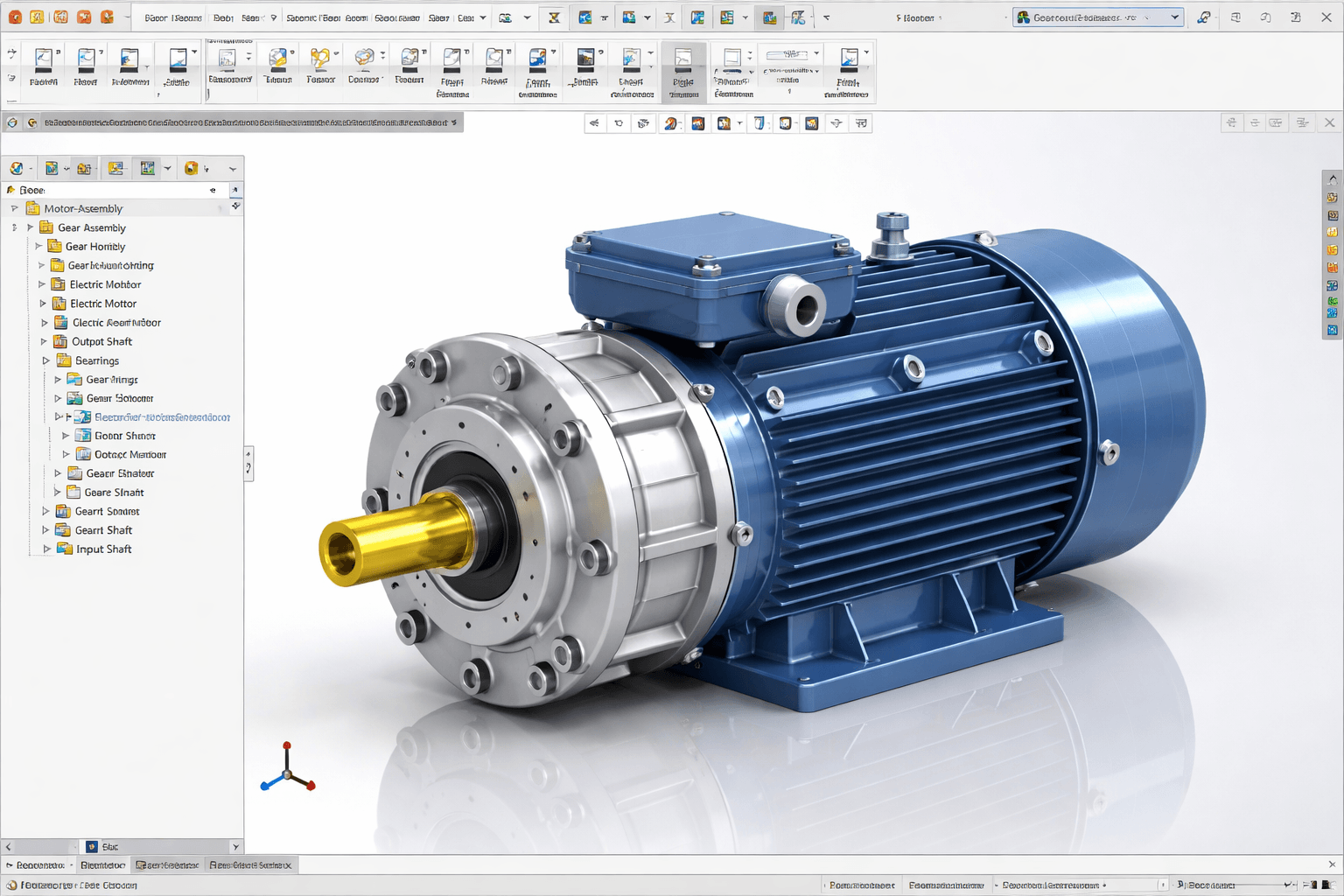

When you render in SolidWorks, you make 3D CAD models appear as real images. When designers and engineers add materials, textures, lighting, and shadows to a product, they can see what it will look like before it is made. Rendering makes it easier to talk to clients and find design problems before they get too big.

Understanding the Purpose of Rendering in SolidWorks
SolidWorks rendering produces images of 3D CAD models that look real. It generates images that show how a product will look in real time by simulating how light, reflections, and materials behave in the real world. Design HOK manages many projects in SolidWorks.
Why Rendering in SolidWorks Is Important
- You can see designs before manufacturing.
- Better for presentations and getting clients to say yes.
- Finds design flaws early on.
- You don’t have to build prototypes with real materials, which saves you time and money.
Key Components of Rendering in SolidWorks
1. Photorealistic Rendering Output
SolidWorks helps designers create photorealistic product images that showcase detailed surface textures, realistic reflections, and transparent effects.
2. Using texture and material
By using materials such as metal, plastic, glass, or fabric, designers can make models resemble real-life objects.
3. Placement and Light
You can use sunlight, spotlights, and HDR environments to make scenes in SolidWorks that look real.
4. Camera Angles
You can use adjustable cameras to take pictures that are ready to be used in marketing, show off the details of your products, or show how they work.
5. Shadows and Reflections
Shadows and reflections look real in advanced settings. This improves the model’s appearance and adds depth.
How to Make Renderings with SolidWorks
1. Make the model in 3D.
Start by creating a highly accurate, detailed 3D model in SolidWorks.
2. Use materials and textures.
Use materials that look realistic on the surfaces to ensure the final product looks right.
3. Set up the lights.
Make the model stand out by setting the lighting to complement the setting.
4. Change the camera’s angles.
Place the cameras in the best spots to capture clear images of the model for the presentations.
5. Model Creation.
To show the product in a realistic way, take high-quality photos. High-quality animations make the product look realistic.
Things you can do with SolidWorks Rendering
Product Design:
SolidWorks allows designers and engineers to visualize how new products and prototypes will look before they are physically manufactured. By creating realistic 3D models and applying materials, lighting, and camera settings, teams can evaluate surface finishes, colors, transparency, reflections, and overall aesthetics.
Mechanical Engineering:
SolidWorks enables designers and engineers to demonstrate how individual parts, assemblies, and complete mechanisms function. Simulating motion, interaction, and assembly sequences, it provides a clear understanding of mechanical behavior, fit, and operation.
Architecture and Interiors:
Plan furniture, layouts, and interiors for buildings. Use realistic images in brochures, websites, and demos to showcase and sell your work. SolidWorks rendering makes your project clearer and more understandable for clients.
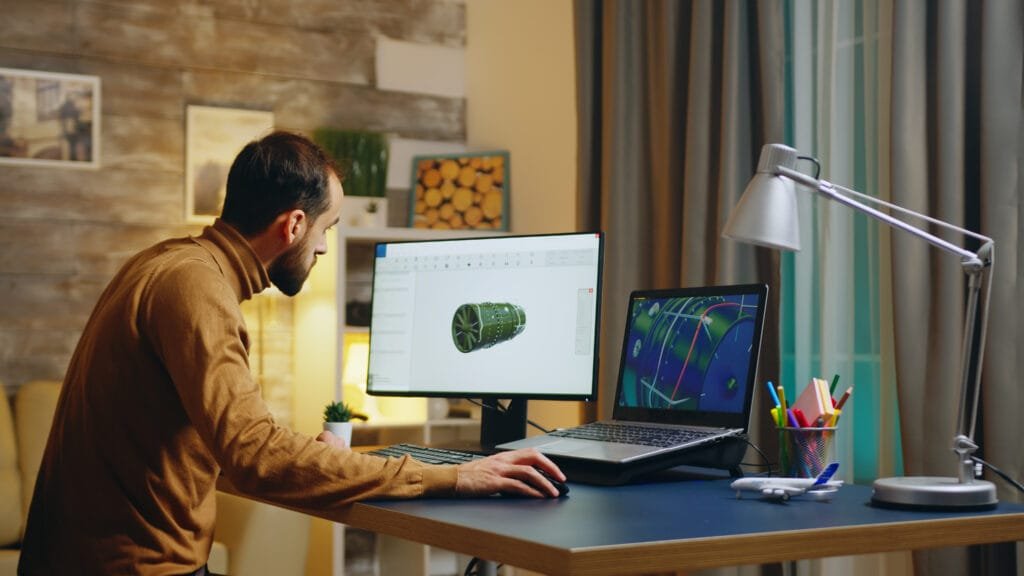
The Benefits of SolidWorks Rendering
Better Visualization:
You can see how things will look before they are made. SolidWorks rendering is best for flawless rendering services.
Better Communication with Clients:
Clients can easily understand the designs.
Finding Mistakes:
Look for problems early to save time and money.
Professional Presentations:
To make professional presentations more effective, add images and animations. Due to the efficiency of animated pictures, professional presentations give a real look.
How to Render SolidWorks Effectively
To make things look more real, use high-quality materials. In order to prevent from the shadow of an object, we should carefully set up lighting. Mostly, shadows cover the objects, which reduces the efficiency of your work. Hence, we use lighting to minimize this risk. By changing the angle of the camera, one can get the best effect.
To get the best balance between speed and quality, set the rendering settings. Many softwares used for CAD services with different functionality, but at Design HOK, we create SolidWorks rendering. There are many features in SolidWorks, but when it comes to rendering, SolidWorks rendering gives a realistic look to your products before manufacturing.
Final Thoughts
Rendering in SolidWorks is helpful in making more realistic designs and products. Rendering in SolidWorks is a key part of showcasing products. It can also show off designing and engineering. Using realistic materials, lighting, and camera settings, along with accurate 3D models, can help designers make their ideas clearer. It can absolutely impress clients. It reduced production errors. When content is rendered correctly, it looks and works better.
FAQs
1. What does rendering involve in SolidWorks?
With SolidWorks rendering, you can make 3D CAD models look like real pictures by adding materials, textures, lighting, and shadows.
2. Why is SolidWorks rendering so important?
It helps designers see how things will look before they make them, makes it easier for clients to talk to each other, and finds design problems early to save time and money.
3. What does rendering do in SolidWorks?
SolidWorks creates realistic images and animations by using 3D models to simulate how light interacts with surfaces, materials, and textures.
4. Who makes pictures with SolidWorks?
Engineers, product designers, mechanical designers, architects, and marketing teams all use SolidWorks rendering to show off their work.
5. What are the most important things to remember when rendering with SolidWorks?
To make a picture look real, you need to use materials, change the lighting and camera, add shadows and reflections, and do other important things.
6. Can SolidWorks make pictures that look like they are real?
SolidWorks can make pictures of products that look very real by copying how things look, feel, and work in the real world.





Greetings from Ohio! I’m bored to death at work so I decided to check out your website on my iphone during lunch break.
I enjoy the knowledge you provide here and can’t wait to take a look when I get
home. I’m surprised at how quick your blog loaded on my phone
.. I’m not even using WIFI, just 3G .. Anyways, good blog!