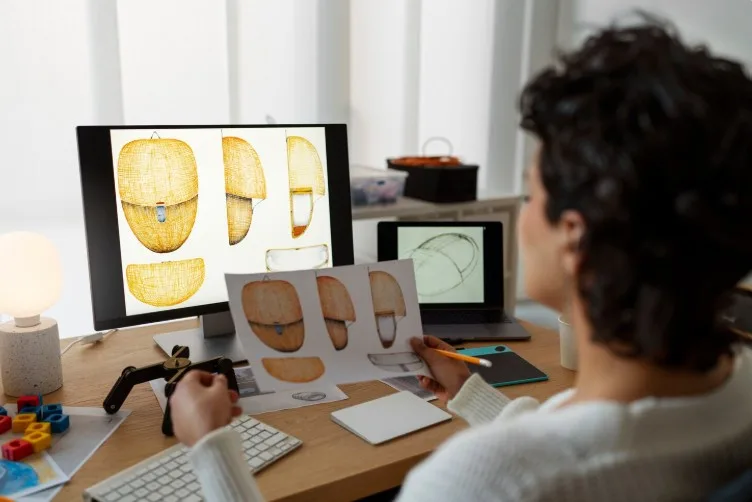


Today, designers, engineers, and animators need to be able to make 3D models of real things. It lets designers make digital copies of real things that they can change, look at, or make. People in many fields can do their jobs better and more accurately if they learn how to make a 3D model of an object.
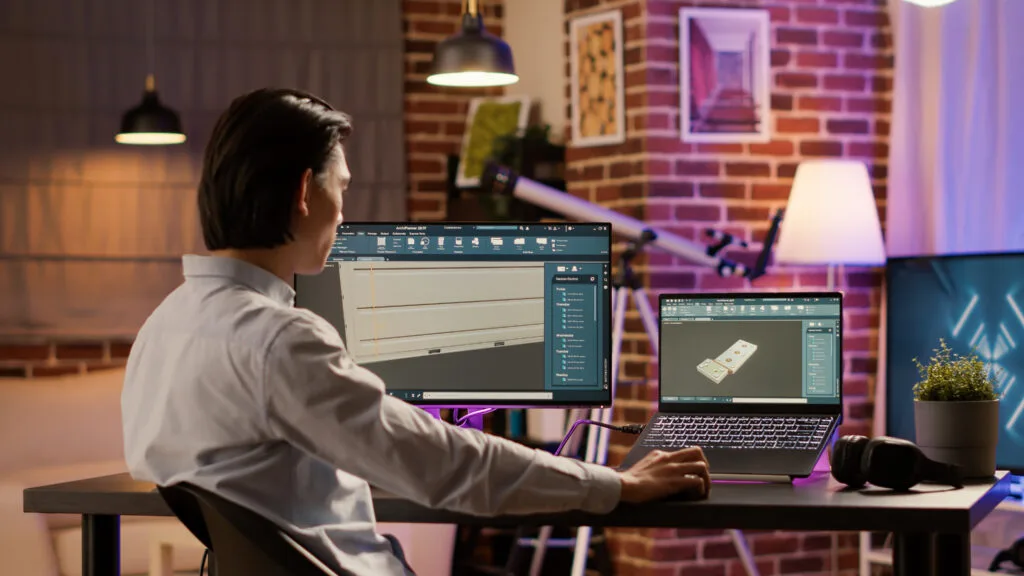
What Is 3D Modeling of an Object?
It means creating a digital 3D model of a real object using tools such as scanning, photography, or hand modeling. You can look at, pretend to be, or make something with the final model. Design HOK provides the best guide for creating a 3D model from an object.
Methods to Create a 3D Model from an Object
1. 3D Scanning
3D scanning is one of the most accurate methods.
• Uses 3D scanners or mobile apps.
• Captures the shape and texture of the object.
• Generates a ready-to-use 3D model.
3D scanning is best for complex objects.
2. Photogrammetry
Photogrammetry creates a model using photos.
• Take multiple pictures from different angles.
• Use software to process the images.
• Convert them into a 3D model.
Photogrammetry is best for beginners with a smartphone.
3. Manual 3D Modeling
You can also create models manually using software.
• Use tools like Autodesk Maya.
• Recreate the object step by step.
• Add textures and details manually.
Manual 3D modeling is best for simple objects or creative control.
Step-by-Step Process for Photogrammetry
1. Put the object in a lighting area.
2. Take photos from different angles.
3. Upload all the photos to a photogrammetry software program.
4. To create a mesh model from the photos, use the software.
5. Clean up the 3D model to make it smooth and accurate.
6. Save the model in a format, like OBJ or STL.
Tips for Better Results
• Use consistent lighting.
• Avoid shadows and reflections.
• Capture all angles of the object.
• Use a plain background.
• Maintain the stability of an object.
How to Use 3D Models of an Object
Making prototypes of products and designing them
Reverse engineering
Keeping culture alive and scanning artifacts
Common Mistakes to Avoid
• Taking too few photos.
• Using poor lighting.
• Ignoring object details.
• Not cleaning the final model.
• Choosing the wrong software.
Applications of 3D Models
• 3D printing.
• Product design.
• (Virtual Reality) VR
The Future of 3D Modeling
The future of 3D modeling from an object will be enhanced, and its performance will be improved.
AI-powered scanning, real-time 3D reconstruction, and modeling solutions shape the future of 3D modeling from an object. It is easier to make accurate models quickly with advanced tools. 3D models will be used even more in interactive settings when they are used with augmented reality and virtual reality.
Conclusion
You need to know how to select the right method, tools, and workflow. A good selection is always best to turn an object into a 3D model. 3D scanning, photogrammetry, and manual modeling all have their own pros and cons.
If beginners follow the right steps and don’t make common mistakes, they can make accurate and high-quality 3D models for a variety of purposes.
FAQs
1. What is the easiest way to make a 3D model from an object?
To make a 3D model from an object, photogrammetry is the easiest method.
2. Can I make a model using a phone?
You can make a 3D model using your phone. There are mobile apps that can do this. These apps can take lots of pictures. Turn them into a 3D model. This is called photogrammetry and 3D scanning.
3. Which software is best for creating 3D models from objects?
Blender and Autodesk Maya are popular tools for creating 3D models from objects. The best choice depends on your skill level.
4. Is 3D scanning better than photogrammetry?
3D scanning is more accurate. 3D scanning is faster than photogrammetry, but it requires specialized hardware. Photogrammetry is more affordable and accessible, making it ideal for beginners.
5. What are the common problems when creating 3D models?
Some common issues can reduce the quality of the final model. These issues include poor lighting, missing angles, blurry images, and unclean meshes.