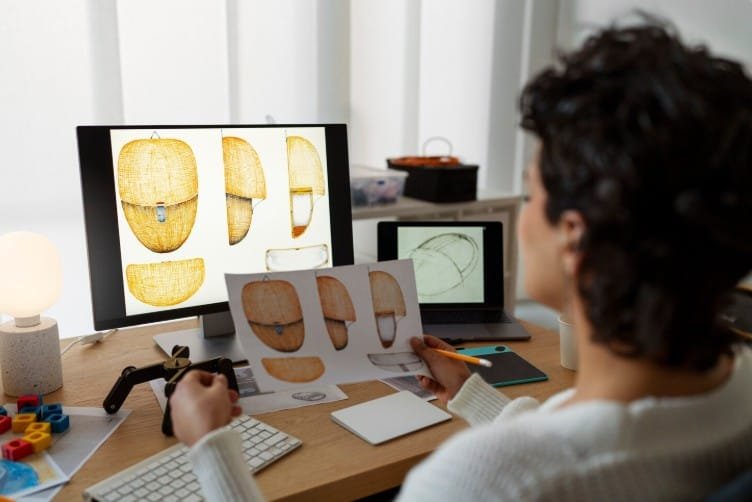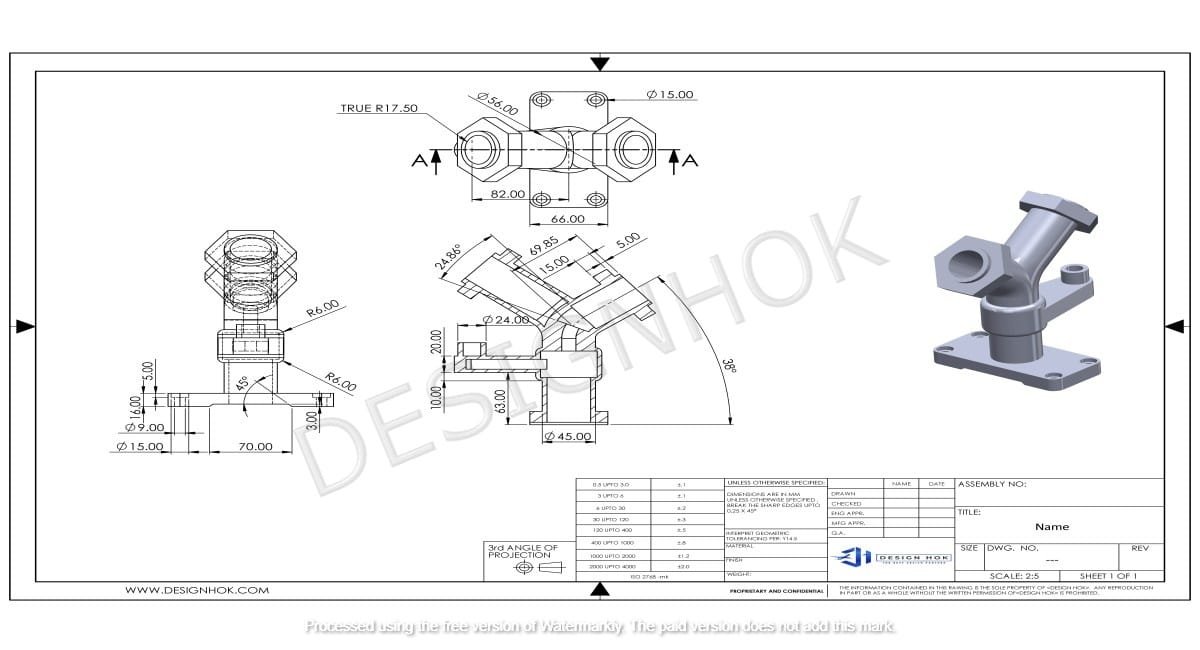

Every field has its own benefits and progress, but with autocad 2d or 3d design, you can elevate your working progress. this modern era of design and engineering. The most powerful and versatile tool is AutoCAD 2D or 3D. Now, if you are an architect, engineer, or product designer, this software allows you to create perfect technical drawings.
2D and 3D models both have their own advantages and offer a specific purpose. 2D focuses on detailed technical drawings, and 3D mainly focuses on real-world visualization.
Understanding AutoCAD 2D or 3D
The foundation of digital modeling is 2D modeling. It majory focuses on two-dimensional drawing, allowing designers to create accurate drawings. Every measurement and circle in a 2D modeling represents real real-world measurement. Making it perfect for a project where precision and accuracy matter a lot.
AutoCAD 2D gives you everything you need to design accurately.
- Drafting Tools: You can use lines, circles, and use different measurements to make your design accurate.
- Layer Management: You can make layers of your designs and group them into different categories.
- Dimensions: You can write notes for better understanding and dimensions for easy integration of components.
- Compatibility: It easily integrates with other modern software for better results.

Advantages of Using AutoCAD 2D
AutoCAD 2D remains popular even in a 3D-driven world, and for good reason. Here’s why professionals still rely on it:
In this modern world, 2D modeling is still popular and used in different industries. Here are a few reasons why industries are still using this.
1. Easy to Use
AutoCAD 2D has a simple interface. It allows users to learn and start working quickly. It’s especially for beginners because it’s so straightforward.
2. Lower Hardware Requirements
You don’t need a high specification to run AutoCAD 2D smoothly. It can easily handle the drawing on mid-range computers.
3. Faster & Simple Projects
The layout is so simple and easy to use, and it’s faster to create and edit compared to 3D modeling.
4. Low Cost
The cost of 2D modeling is less than that of advanced 3D modeling tools, making it a perfect choice for small startups.
Limitations of AutoCAD 2D or 3D
When you need real-time visualization, you may jump to 3D modeling for better results.
Understanding AutoCAD 3D
It offers you to create three-dimensional modeling that shows the real-world appearance and virtual reality (VR). It’s not like 2D modeling; it provides depth, texture, and realism. Making it the best tool for all industries.
Key Features of AutoCAD 3D
AutoCAD 3D offers a lot of advanced options:
- Solid, Surface, and Mesh Modeling: Mesh modeling is used to build complex designs. At Design HOK, which involves geometric calculations with real-time visualization
- Rendering: In rendering, we apply different types of materials, lighting, and textures for better results.
- Design Analysis: You can test the different components to check if they’re going to work properly or not? before production.
Advantages of Using AutoCAD 3D
1. Enhanced Creativity
With AutoCAD 3D modeling, the designers can check all types of materials, forms, and designs, and try different experiments before sending them for production.
2. Better Visualization
Users or clients can see the real-time view before sending it for production. This helps in better decision-making.
3. Reduced Design Errors
You can analyze your project from every angle and view, so the chances of error are very low.
4. Integration of Modern Tools
If you are working at a professional level, then it work AutoCAD 3D works so well for rendering and animations.
5. Enhanced Communication
3D modeling offers clear communication between designer and client. It ensures a better understanding of the project for everyone.
Limitations of AutoCAD 3D
Even the AutoCAD 3D is so powerful tool and offers a variety of options for the industry, it’s still not perfect; a beginner in this field may find this tool complex, you may need high-level hardware to run this software, and it takes more time because of rendering and detailing.

AutoCAD 2D vs 3D: A Direct Comparison
| Feature | AutoCAD 2D | AutoCAD 3D |
| Focus | Drafting and documentation | Modeling and visualization |
| Complexity | Easier for beginners | Requires advanced skills |
| Hardware Needs | Low to moderate | High-end system required |
| Visualization | Flat drawings | Realistic 3D view |
| Use Case | Technical drawings, blueprints | Product design, architecture, simulation |
| Cost | More affordable | Slightly higher cost |
| Learning Curve | Simple and quick | Steeper, requires practice |
Conclusion
There’s no answer for this question: Which tool is better, AutoCAD 2D or 3D? Both serve their own roles. Now it depends on your requirement.
If you are not in such a hurry, visualization. Now, if you need better visualization from every angle, then a 2D model is not the best option for you. You can choose 3D modeling, but it can cost you more, and it also has some advantages, such as you can make better decisions because it offers you real-time data.
FAQs
1. Which tool is harder to learn: AutoCAD 2D or 3D?
Both tools have their own advantage, but 3D modeling is hard to learn. If you practice consistently, then it’s easily manageable.
2. Do we need a powerful computer for 3D Modeling?
Yes, especially for rendering large models or animation work.
3. Do you think AutoCAD 2D is outdated?
Not at all! AutoCAD 2D or 3D remains essential for precision-driven projects in architecture and engineering.
4. As a beginner, which option is better: AutoCAD 3D or 2D?
As a beginner, you can start with 3D modeling, but it’s much better to learn the basics of something before jumping into something advanced.