How to Begin Using AutoCAD 3D Rendering
AutoCAD 3D rendering makes a 3D CAD model look real by adding materials, lighting, and textures. Rendering helps designers and engineers see how something will look before they make or build it. It changes technical drawings into presentations that look good and are easier for clients and other people to understand.
What does AutoCAD 3D rendering do?
3D rendering in AutoCAD is the process of turning 3D models made in AutoCAD into pictures that look real. The rendering process adds things like reflections, shadows, and surface finishes to make things look more like they do in real life. This method helps designers better show off their ideas.
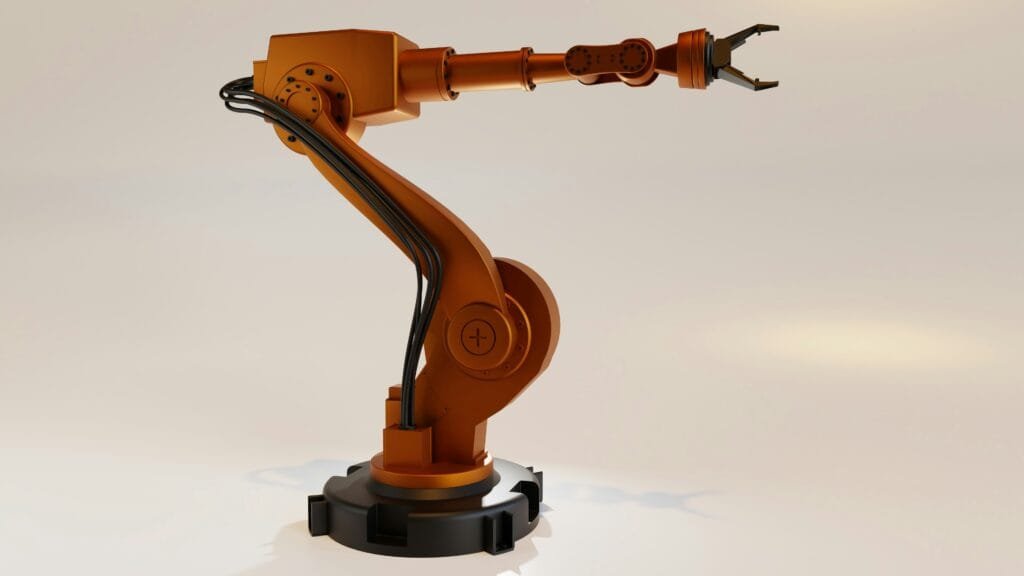
Why AutoCAD 3D Rendering Matters
AutoCAD’s 3D rendering is very important for modern design and engineering. It helps professionals show off designs that are hard to understand in a way that is easy to follow. Designers can find problems and make changes early on in the process by imagining a project before it is built.
AutoCAD 3D Rendering has the following main features:
1. Realistic Visualization
By adding materials, lighting, and textures, designers can make models in AutoCAD that look very real.
2. Adding texture and material
You can make surfaces look real by using different materials, such as metal, glass, wood, or plastic.
3. Making Light Look Real
You can make scenes look real in AutoCAD by choosing from several lighting options, like real sunlight and fake lights.
4. Point of View and Camera
To make certain parts of the design stand out, designers can change the angles and positions of the cameras.
5. How shadows and reflections change things
Shadows and reflections look more real with advanced rendering settings. This makes the picture look more real.
How to Create 3D in AutoCAD
1. Building the 3D Model
The first thing you need to do is use AutoCAD’s modeling tools to make a 3D model that is very detailed.
2. Putting things on
Adding textures and materials to surfaces gives them a real look.
3. Setting Up the Lights
Putting in lights that look like real places or places that people made.
4. Changing the camera’s point of view
The camera angles are set up to draw attention to the most important parts of the design, like making sure that the viewer’s attention is always on the right things.
5. Setting Up the Scene
The last step in rendering makes the model look like it was taken with a high-quality camera.
What AutoCAD 3D Rendering Is Good For
1. Making things
Architects use AutoCAD rendering to see how buildings, interiors, and landscapes will look before they start building.
2. Making something
Engineers make drawings of things to see how they look and work.
3. Making machines work
Mechanical designers use rendering to show off how parts and machines fit together.
4. Planning to Build
Rendered models show construction workers how to build things and how to plan projects.
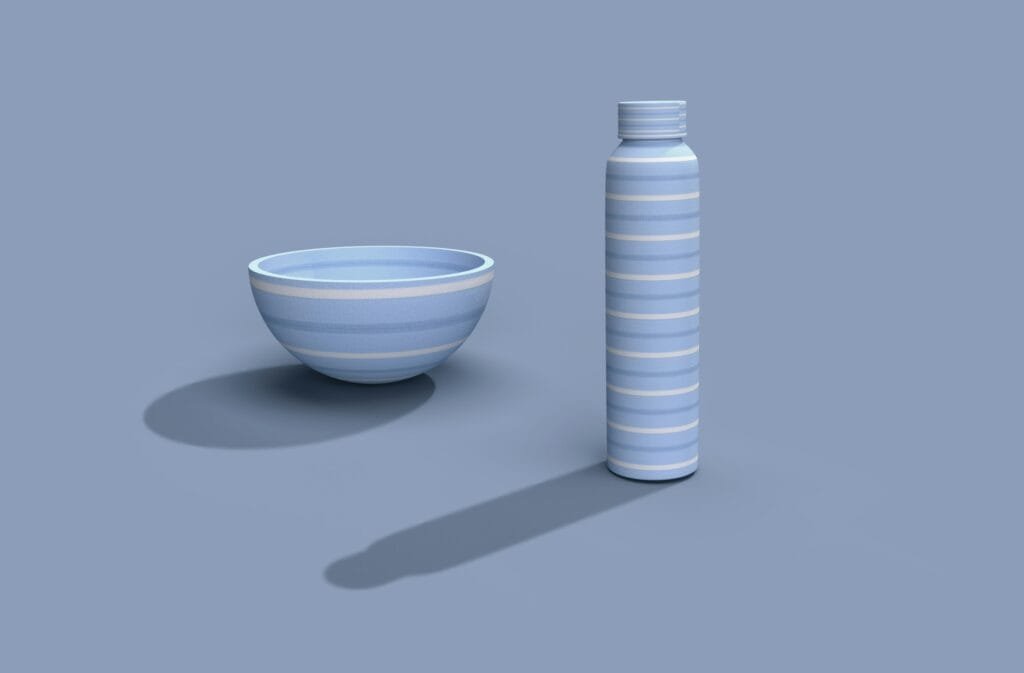
Why You Should Use AutoCAD to Make 3D Models
1. A better way to look at designs
Designers can see what a model will look like in real life when they render it. At Design HOK, our experts create professional CAD solutions, and we use SolidWorks.
2. Better at Talking to Customers
Photorealistic images make it easy for clients to understand complicated designs.
3. Finding errors early
Rendering helps you find problems with the design before you start building or making something. For instance, it can help you find problems with the structure or design that aren’t easy to see in 2D drawings.
4. Better quality of the presentation
Images that have been rendered make project presentations look more professional and impressive.
5. Use high-quality materials and textures.
When you change the lighting, be careful not to make the scenes too dark or too bright.
The whole thing looks better if you choose the best camera angles to highlight the most important parts. The scene’s focal points and the details are some of the important parts that could be highlighted.
Conclusion
Architects, engineers, and designers need AutoCAD 3D rendering in the present. It turns technical CAD models into pictures that look like real things. This makes it easier to talk about and understand designs.
Using accurate modeling and advanced rendering techniques can help professionals explain their ideas better and improve the design process as a whole. These methods make it easier to understand visualizations and help team members and clients work together better.
FAQs About Rendering in AutoCAD 3D
1. What does it mean to render in 3D in AutoCAD?
When you add lighting, materials, textures, and shadows to a 3D CAD model, it looks real.
2. What does AutoCAD 3D rendering do?
AutoCAD 3D rendering works by copying how light and surfaces look and act in the real world. The software uses the 3D model to figure out how light affects different materials to create a picture that looks real.
3. What do you need AutoCAD 3D rendering for?
Most of the time, designers use AutoCAD 3D rendering to see what their projects will look like before they start building them. This helps them figure out what they want to say and find design problems before they get too big.
4. Who uses AutoCAD to make 3D images?
AutoCAD 3D rendering is used by a lot of people, including architects, product designers, mechanical engineers, construction planners, and interior designers.
5. What are the benefits of using AutoCAD for 3D rendering?
AutoCAD has tools that help you make accurate models, realistic visualizations, better communication between designers, and professional presentations.
6. What are the most important things to know about how to render in AutoCAD 3D?
The most important parts are 3D models, materials, textures, lighting, camera angles, shadows, and reflections.
7. Can AutoCAD make pictures that look like real life?
Yes, AutoCAD can make pictures that look like real life by using advanced materials, lighting effects, and rendering settings.