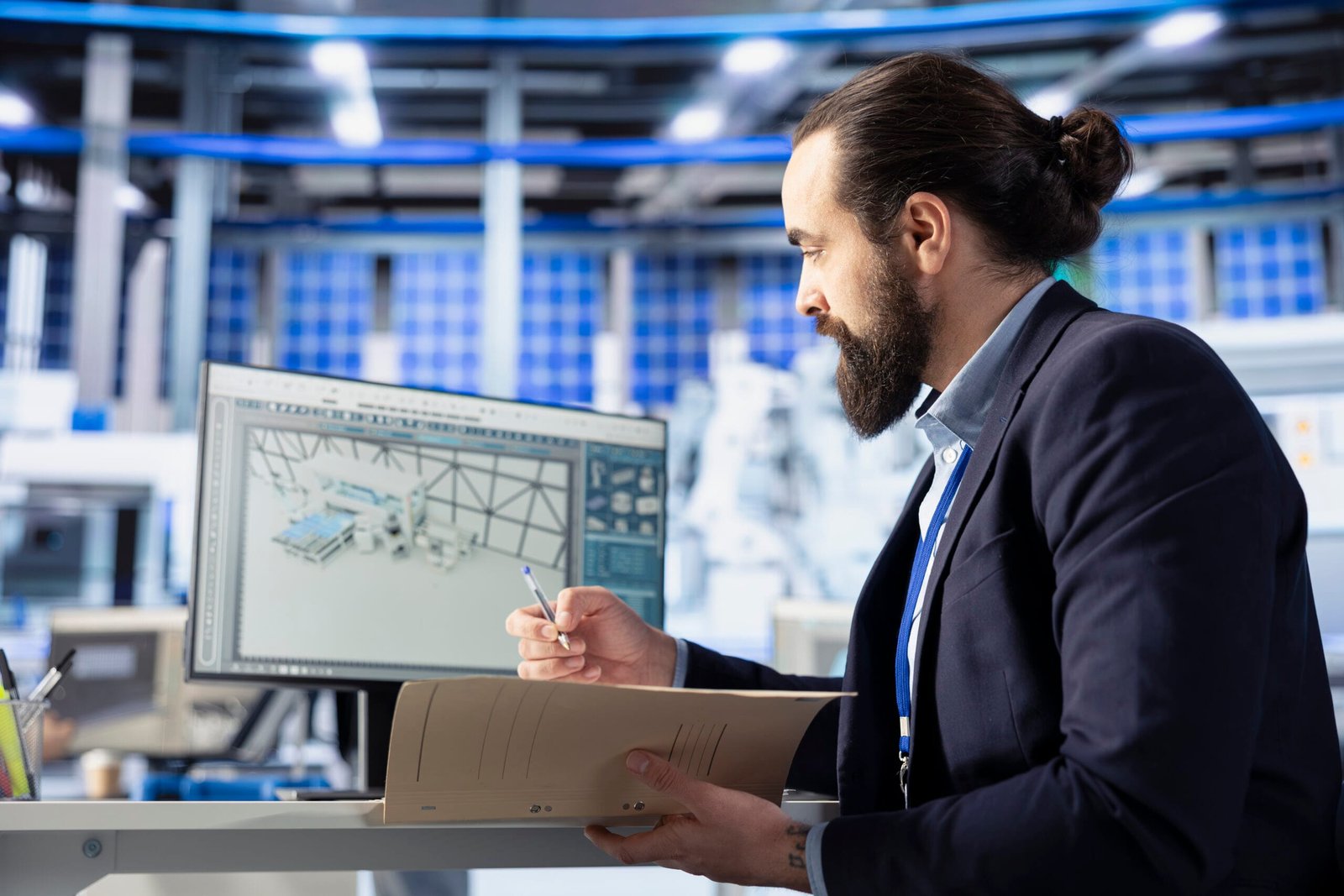
In the technological world of render 3d models, your business needs a direction that helps to create everything accurately. If we see a product before it is made helps everyone understand it better. Engineers, clients, and manufacturers all want to see how a part will look and work. Render 3d models makes that possible. 3D rendering means turning a digital model into a photo-like image. It shows every shape, color, and surface clearly. It helps engineers understand how their ideas work in the real world in virtual reality before the process of manufacturing.
This article will explain to you how 3D rendering models work and why they are so useful for creating components and designs.
What Is 3D Rendering?
This means creating a real-world image from 3D models, which are created by using different tools
Designers use programs like SolidWorks, Blender, AutoCAD, Fusion 360, or CATIA to build digital parts. Then they apply lights, colors, and materials to make those models look like real objects. Render 3d models creates pictures that show size, color, shine, shadow, and texture. These pictures look like photographs, even though no physical part exists yet.
How 3D Rendering Works
Here are a few steps of Render 3D models
- Model Creation
This part is created in modern softwares in which every dimension has to be set carefully. - Material Setup
The designer adds materials like metal or glass. Each one gets a texture like smooth, matte, or shiny. - Lighting
They are placed in the scene to make a mimic of the real world, such as environmental lighting - Camera View
The designers choose the best camera angles to show the design accurately. - Rendering
The computer processes all these details, such as shadows and different measurements, to achieve the final image. - Editing
The small adjustments, such as brightness and reflection, are adjusted to achieve the perfect quality.
The result looks the same as a photo of a real product.
Top 10 advantages of render 3D Models
Here are some major benefits of using 3D rendering for different components and products.
1. Real Look Before Production
A rendering shows how a part will appear before it is made. It displays exact color, texture, and shine. Everyone can see the final look clearly and give feedback early.
2. Catches Mistakes Early
Render 3d models catch all types of flaws at an early stage, which saves the cost and time of engineers.
3. Saves Time and Money
Making real prototypes costs a lot. Render 3d models allows design testing on screen. Changes happen instantly without building anything. It cuts down the cost of wasted materials and shortens project time.
4. Presentations
It also helps in presentation because Clients understand visuals faster than blueprints. A clear model helps explain ideas quickly, and it builds confidence and helps gain approval faster.
5. Great for Marketing
Render 3d models that look real and attractive. They work perfectly for websites, catalogs, and ads. Companies can show products to customers before manufacturing even starts.
6. Tests Different Materials
Designers can try different colors and materials easily. They can test metal, plastic, carbon fiber, or paint options digitally. This helps find the best combination without extra cost.
7. Clear Communication for Teams
Design, engineering, and manufacturing teams work better with the same image. Everyone sees one clear view of the part. It avoids confusion and reduces production mistakes.
8. Ready for Virtual Testing
Render 3d models also helps with digital tests. Engineers can check strength, airflow, or heat resistance using these models. It helps confirm performance before real production.
9. Builds Client Trust
Realistic visuals build client confidence. When people see a lifelike image, they trust the design. It shows professionalism and accuracy.
10. Prepares for Digital Manufacturing
It supports the advanced methods like real-world beta testing, and it fits perfectly with digital manufacturing workflows, and it also helps companies to move to smarter and faster production.
Real Example
Aircraft parts use render 3d models to check every detail before production. Engineers create a 3D model of a turbine blade, and then they render it with real metal colors and lighting. They share the image with clients and production teams. Everyone agrees on the Design HOK. No confusion. No delay. This saves both time and cost. Automotive companies do the same. They render new car parts to show investors or marketing teams long before a single part is built.
Common Tools for 3D Rendering
Some popular tools for rendering parts include:
- Blender – It is free and powerful.
- KeyShot – It’s great for quick and realistic results.
- SolidWorks Visualize – It’s Ideal for mechanical parts.
- 3ds Max – It’s used for detailed materials and lighting.
- CATIA and Siemens NX – It’s used in the aerospace and automotive industries.
Each software helps create real-looking images depending on design needs.
Main Uses of Rendering
Rendering is useful for many fields:
- Aerospace: To preview engine parts and assemblies.
- Automotive: To design and showcase new vehicle components.
- Manufacturing: To plan production and check part fit.
- Product Design: To create visuals for sales and marketing.
It works anywhere accurate visuals help teams communicate and make better choices.
Simple Example of Workflow
- Create a 3D part model.
- Add color and material.
- Set up lights.
- Choose camera view.
- Render image.
- Review and adjust.
- Share the final visual.
That’s it, from a digital file to a photo-realistic picture.
Conclusion
The rendering helps engineers turn ideas into reality. It shows how a part will look and feel before production.
It saves time, money, and effort. It improves teamwork, communication, and client trust. It even supports marketing by creating realistic visuals for products not yet built. In simple words, 3D rendering brings imagination to life. It turns technical designs into beautiful, believable images that anyone can understand.