
1. Introduction
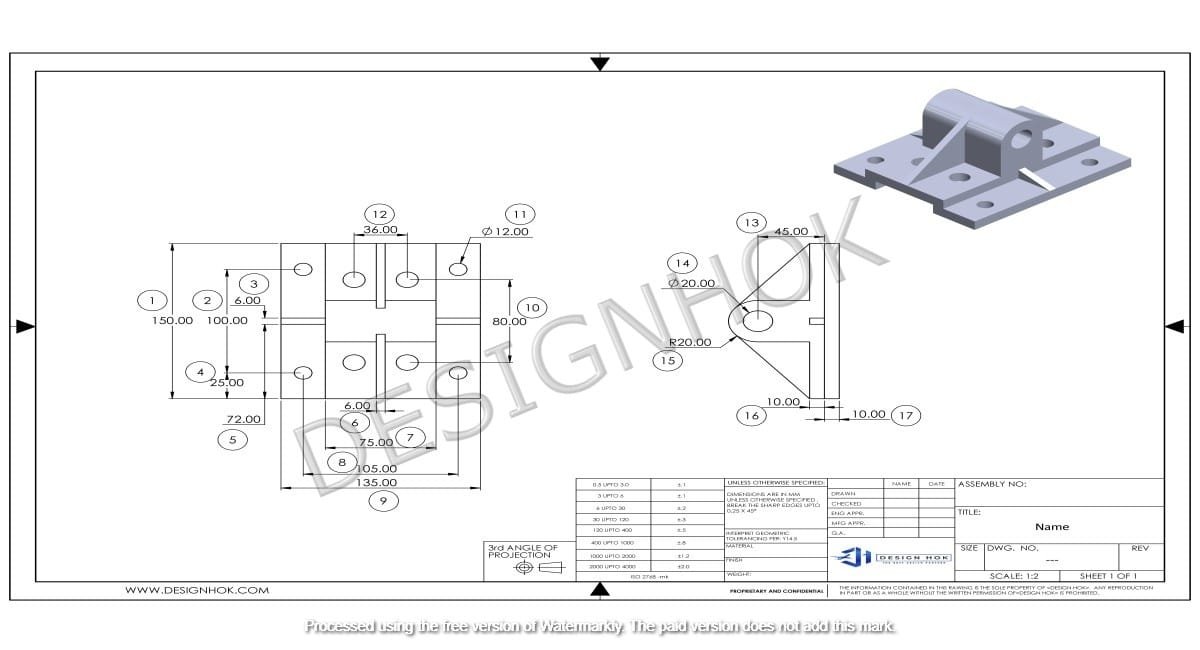
SOLIDWORKS features help CAD experts craft any model to meet client requirements. SOLIDWORKS is an engineering software suite designed to take products from concept to manufacturing. Due to its user-friendliness and parametric approach to perfect CAD modeling, its cloud-based 3D performance is widely recognized.
2. Key Features of SOLIDWORKS
These are the key features of SOLIDWORKS:
2.1. User Interface (UI):
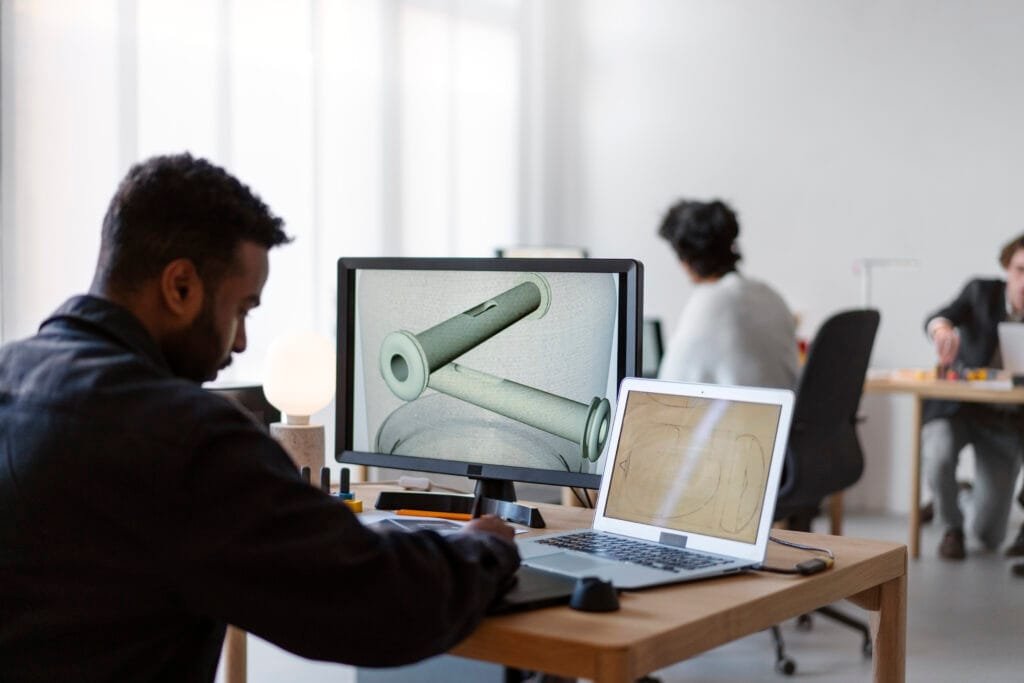
Command Manager: Intuitive, context, and customizable interfaces that streamline workflow. This workflow is done by reducing search time.
Heads-Up View Toolbar: It provides immediate access to view manipulation tools. Directly within the graphics area.
Task Pane: It allows easy access to design libraries, file explorers, and 3DEXPERIENCE platform resources.
2.2. Design Tools:
Parametric Modeling: It changes in update related components in one part, maintaining the integrity of assemblies.
Surface and Solid Modeling: A comprehensive tool for creating complex and organic shapes and precise mechanical parts.
2.3. Collaboration:
Product Data Management: A PDM Secure, “CAD-aware” data management to prevent overwriting. For version control and tracking changes. Design HOK is a complete CAD solution provider for crafting a perfect model through SolidWorks features.
3. Additional Capabilities
SOLIDWORKS CAM: for CNC machining. It integrates Computer-Aided Manufacturing tools directly into the CAD environment.
Pick the Driver Axis: Select the center axis of the driver component.
Adjust Direction: If needed, reverse the direction by clicking on the arrow.
4. What is advanced SOLIDWORKS?
A collection of material from several “advanced” CAD training manuals. Advanced assembly tools like magnetic mates and large design reviews optimize handling complex models.
4.1. Advanced SolidWorks Features for Assemblies
Assemblies represent the integration of multiple individual components into a functional system in modern mechanical engineering and product development. Assemblies perform the coordination functionality. In this digital world, machines are becoming more complex over time. The complexity of these machines can be controlled by several tools. SolidWorks has become a powerful platform. This section provides a comprehensive and detailed explanation of the most advanced SolidWorks features used in assembly design.
5. Intelligent Mating System: The Core of Assembly Control
5.1 Advanced and Mechanical Mates
Advanced mechanical mates elevate assembly design from simple positioning to functional simulation.
Cam Mate
Used in systems where a follower tracks a cam profile. It is particularly important in engine valve mechanisms and automation systems.
Screw Mate
Convert rotational motion into linear displacement using pitch values. This SolidWorks Feature is essential in lead screw mechanisms and actuators.
Rack and Pinion Mate
Transforms circular motion into linear translation. Frequently used in steering systems. These mechanical SolidWorks Features reduce the need for external motion simulation tools during early design validation.
5.2. Large Assembly Management: Handling Industrial-Scale Projects
Thousands, sometimes tens of thousands of components are in modern industrial assemblies. Intelligent performance optimization of SolidWorks Features is required to manage such complexity.
5.3. Large Assembly Mode
When a specified component threshold is exceeded, Large Assembly Mode automatically modifies the system. It improves:
- It performs graphics performance
- It can rebuild speed
- It performs memory efficiency
This SolidWorks Feature ensures engineers can continue designing without lag or crashes.
5.4. Lightweight Components
Lightweight management is one of the most important SolidWorks Features for large-scale industrial projects.
5.5. Speed Pak Technology
Speed Pak creates simplified configurations of subassemblies while preserving important reference geometry. This allows massive performance improvements without losing mating references. In the aerospace and automotive industries, this SolidWorks Feature becomes critical for workflow efficiency.
6. Configuration Management and Product Variants
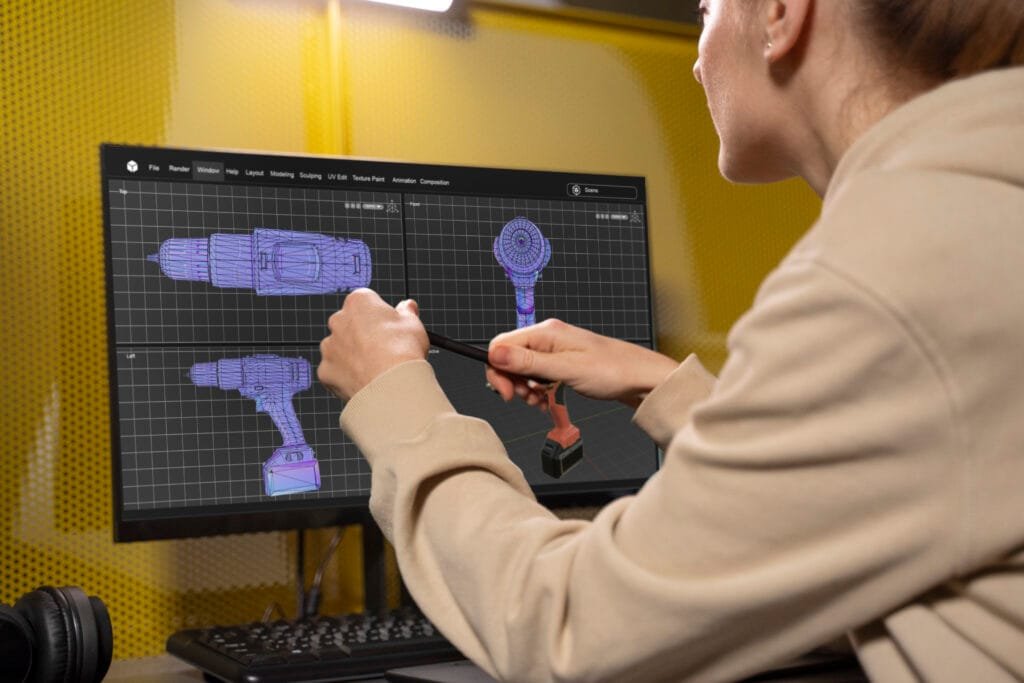
Product families require multiple design variations. Creating separate files increases errors and management difficulty. Configuration is one of the most productivity-enhancing SolidWorks Features.
Engineers can perform:
- They can change dimensions
- They can modify materials
- They can suppress features
- Different component states
7. Interference Detection and Design Validation
Interface detection and design validation are very important. An undetected interface between components causes mechanical failure. Advanced SolidWorks Features provide powerful validation tools.
7.1 Static Interference Detection
Detection of overlapping geometry between components is performed by static interference detection. Its detection is necessary for a clear and concise result.
- They perform solid interferences
- They perform surface interferences
- Hidden collisions are also performed
7.2 Dynamic Collision Detection
Collision detection prevents unrealistic part penetration during motion simulation. Assembly realism is enhanced by this functionality.
7.3 Clearance Verification
Clear verification is an important part of detection. It ensures the minimum required spacing between parts.
- It performs rotating shafts
- It can detect high-temperature systems
- Its one of the most important functions of electrical assemblies
Physical prototyping costs are significantly reduced by these validated SolidWorks Features significantly.
8. Exploded Views and Visualization Tools
Exploded views are more than presentation tools; they serve documentation, manufacturing, and maintenance purposes.
Assembly Visualization allows sorting components. These visualization is allowed by:
- One component is mass
- An important component is volume
- The material component allows visualization
- A Custom properties
To identify heavy components contributing to increased product weight, this SolidWorks Feature enables engineers.
9. Smart Components and Automation
Design speed is improved by automation. Its accuracy also depends on the automation.
The following examples represent it
- SolidWorks Toolbox
- Automatic fastener generation
- Smart hardware insertion
Often, when we write data manually, repetition occurs. To prevent this repetition, these SolidWorks features help us
10. Assembly Performance Evaluation
Assembly performance evaluation tools allow engineers to:
- Engineers can detect rebuild errors
- They can analyze suppressed features
- They can identify circular references
- The stability of the assembly is improved by these advanced SolidWorks Features
- Conclusion of Advanced Assembly SolidWorks Features
- It transforms digital modeling intoa functional engineering simulation.
- Engineers can control mechanical relationships
- Engineers can validate motion constraints
- Engineers can detect interference
- Engineers can optimize performance
- Engineers can manage large-scale industrial assemblies
🔹 Frequently Asked Questions (FAQs) – SOLIDWORKS
1. What is Large Assembly Mode?
Large Assembly Mode Improves:
- Graphics performance
- Rebuild speed
- Memory efficiency
- It acts automatically when the part count exceeds the set limit.
2. What is Sedlak Technology?
Sedlak creates simplified configurations of subassemblies while preserving reference geometry.
- Benefits:
- Faster loading
- Reduced RAM usage
- Maintains mating references
- Very useful in industrial-scale projects.
3. What is Configuration Management?
Configurations allow multiple product variations inside one file.
Engineers can:
- Change dimensions
- Suppress features
- Modify materials
- Control component states
- It simplifies product family management.
4. What is Interference Detection?
Interference Detection finds overlapping geometry between components.
Types:
- Static interference
- Dynamic collision detection
- Clearance verification
- This reduces manufacturing failures.
5. What are the benefits of advanced SOLIDWORKS features?
Advanced features provided:
- Reduced prototyping cost
- Improved accuracy
- Seamless CAD–Simulation workflow
- Better large assembly handling
- Real-world dynamic validation
6. What simulation packages are available in SOLIDWORKS?
- Simulation packages include:
- It included standard
- It included professional
- It included premium
Each package offers increasing levels of analysis capability.