
Introduction
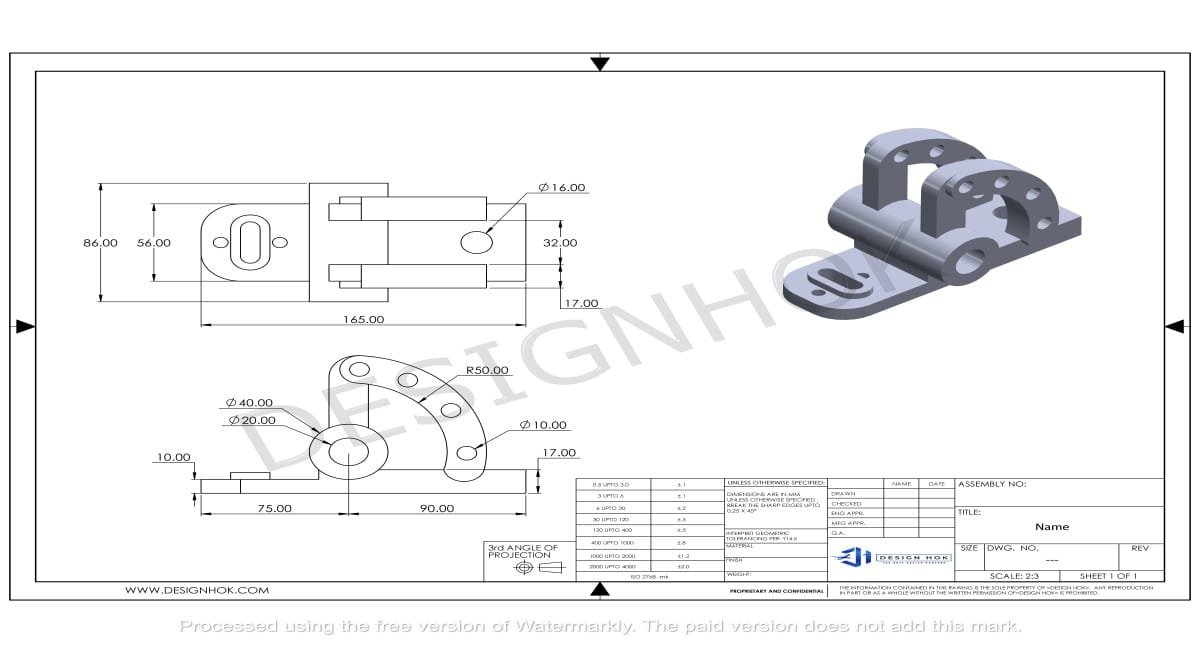
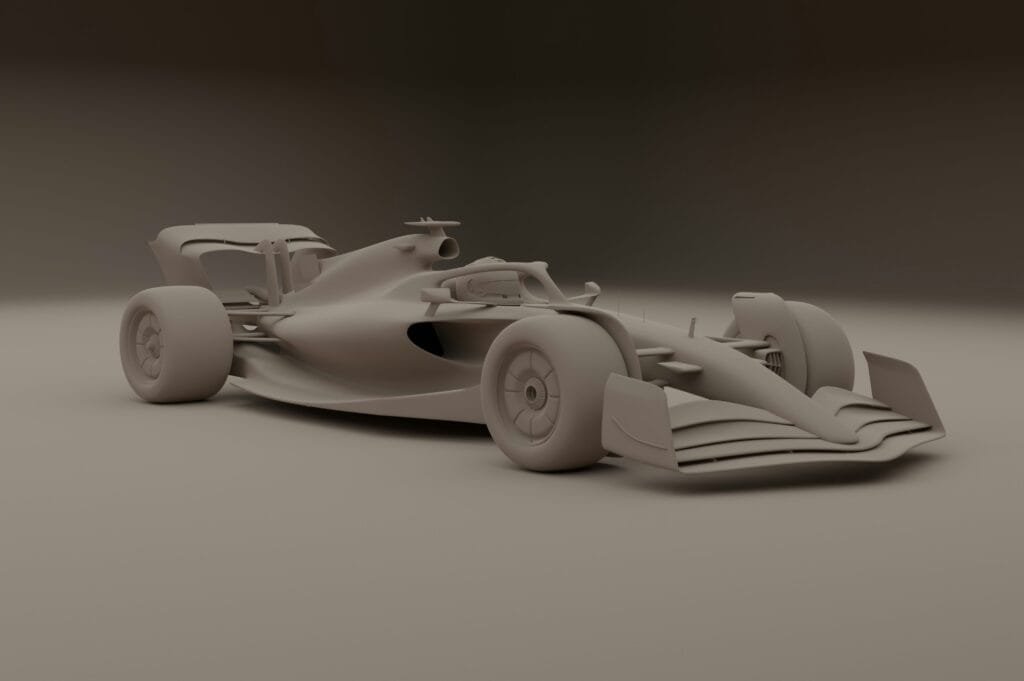
How to create 3d models important for people who work in architecture, engineering, product design, animation, gaming, and manufacturing. Designers and engineers can make digital objects from their ideas using these advanced tools. You can use these models for a lot of things, like simulations, animations, architectural visualization, and product prototyping. Users can make digital structures that are very detailed and accurate with the help of computer-aided design (CAD) and modern 3D modeling tools. Learning how to make 3D models can help not only professional designers but also students and engineers.
Why Professionals Prefer CAD and 3D Modeling Software
The first thing you need to do if you want to learn how to make 3D models is choose the right software. There are different tools made for different jobs. Design HOK helps to learn how to create 3D Models.
Here are some popular CAD and 3D modeling programs:
1. AutoCAD
AutoCAD is a very popular CAD program for designing buildings and doing engineering work.
2. SolidWorks
For designing products and doing mechanical engineering People use SolidWorks. It has advanced modeling tools. These tools are used for creating parts, assemblies, and simulations.
3. Blender
Blender is a free, open-source program that lets you make 3D models for games, movies, and other effects. It has tools for creating animations and rendering.
4. SketchUp
People often use SketchUp to model buildings and plan interiors because it is easy to use. SketchUp is just like other software. Most people use it for creating 3D objects from 2D sketches.
5. Fusion 360
Fusion 360 is a CAD program that runs in the cloud and brings together tools for modeling, simulating, and making things.
Using CAD and 3D modeling software to make 3D models
To make a 3D model, you have to follow a set of steps. These steps help you turn an idea into a real digital object.
1. Making plans and coming up with ideas
The first thing you need to do to make 3D models is to have a clear design idea. Before designers open any software, they need to know what they want to make.
This step includes:
- Putting ideas on paper
- Finding out what the model is for
- Setting up sizes and proportions
- Looking at pictures for reference
For example, a designer has to figure out the shape, size, and purpose of a mechanical part before they can make it. Planning makes modeling easier and faster.
Some projects need models that are very simple, while others need models that are very detailed.
2. Making Simple Shapes (Primitive Modeling)
When the idea is ready, the next step in making 3D models is to use the software to make basic shapes.
Most CAD and 3D modeling programs let you make simple shapes, like these:
Cubes, Circles, Cylinders, cones, and planes
These shapes are what make up the base of a model. These simple shapes can be used in different ways by designers to make more complex things.
For example:
You can use cubes and cylinders to make a table.
A bottle can start as a cylinder.
3. Changing and Editing the Geometry
The next step in making 3D models, after you make basic shapes, is to edit and improve the geometry.
These are some of the tools that come with CAD and modeling software:
Scale Extrude
Rotate the bevel.
Cut
Boolean operations
Designers can use these tools to change the shapes of things so they look the way they want them to.
For example:
Extrusion gives a 2D shape more depth.
Boolean operations add or remove shapes.
Bevel tools smooth out edges and corners.
By carefully changing the geometry of simple shapes, designers can make them into complex structures.
4. Adding Features and Details
After the basic structure is done, designers move on to the detailing stage. This step is very important for making 3D models because it makes them look more real and adds more detail. How to create 3d models is not a basic think you have to get theoretical knowledge before practical. How to create 3d models help you to create any model easily.
5. Using Textures and Materials
The materials that make up an object affect how its surface reacts to light. Some examples are:
Wood, metal, plastic, glass, and fabric
Textures add patterns or details to the model’s surface.
6. Getting the lighting and the place just right
Here are some common ways to light:
- Lighting with a point
- A certain way that light shines
- There is light in the background.
- Lighting in a setting with a high dynamic range (HDR)
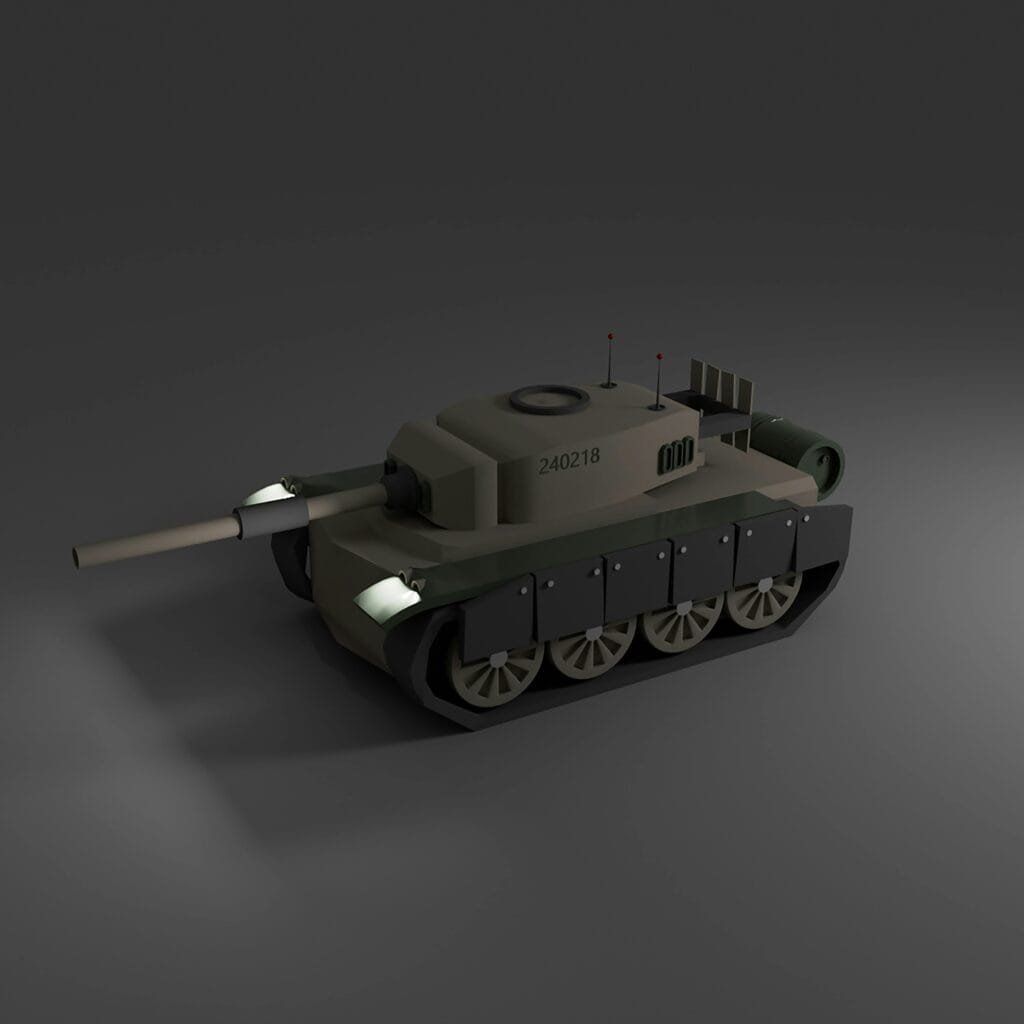
- The final render will look a lot better with good lighting.
- Why You Should Use CAD and 3D Modeling Software
Learning how to use CAD and 3D modeling software to make 3D models has a lot of benefits.
- How to Make 3D Models: Tips for Newbies
- Start with simple models and then move on to more difficult ones.
- Practice with basic shapes and editing tools.
- Learn from professional designers by watching tutorials.
Conclusion
3D models make it easy to bring ideas to life and make them look real on a computer. People use them to make animations, games, and buildings, and to do engineering. How to create 3d models is necessary in mechanical Engineering.
3D models are very important for making digital ideas look real and come to life. People use them for games, buildings, engineering, and making movies. If you want to learn how to create 3d models, you’ll get perfect from Design HOK.
(FAQs)
1. What is the best way for me to learn how to make 3D models?
Using simple 3D modeling programs like SketchUp or Blender is the best way to learn how to make 3D models. If you’re new to 3D modeling, you should start by learning how to make simple shapes like cubes, spheres, and cylinders. You can get better at modeling by watching tutorials, following step-by-step guides, and practicing a lot. Users can eventually move on to more advanced tools, like CAD software, for more complicated designs.
2. What is the best program for learning how to make 3D models?
Many programs can teach you how to make 3D models. Blender, AutoCAD, SolidWorks, SketchUp, and Fusion 360 are some of the most used tools. CAD tools like SolidWorks and AutoCAD are better than Blender for making designs for engineering and technical purposes. The best software will depend on what the user wants to do and what the industry needs. How to create 3d models?
3. Do people who are just starting with 3D modeling need CAD software to learn how to do it?
You don’t need CAD software to learn how to create 3d models if you’re just starting. A lot of people start with modeling programs that are easier to use. People who work in engineering, architecture, and product design need to learn CAD software, though, because it helps them get exact measurements and technical accuracy.
4. What are the most important steps to take when making 3D models?
The main steps in making 3D models are planning the design, making basic shapes, changing the geometry, adding details, applying materials and textures, setting up lighting, and rendering the final image. From a simple idea, each step helps make a digital model that looks real and has a lot of detail. Understanding how to create 3d models is mandatory.
5. Why is it important to know how to make 3D models?
Learning how to make 3D models is important because it lets designers and engineers see their ideas before they build them. It helps people make fewer mistakes, be more creative, and get things done faster. 3D modeling is used in a lot of different fields, like gaming, architecture, animation, and making things. Initially, mostly beginners try to get knowledge in the technological world on how to create 3d models.
6. How long does it take to learn how to make 3D models?
It depends on how hard the software is to use and how hard the person learning is willing to work. It only takes a few weeks for beginners to learn the basics of modeling. It could take months or even years of practice to get really good at using professional tools and advanced modeling techniques.