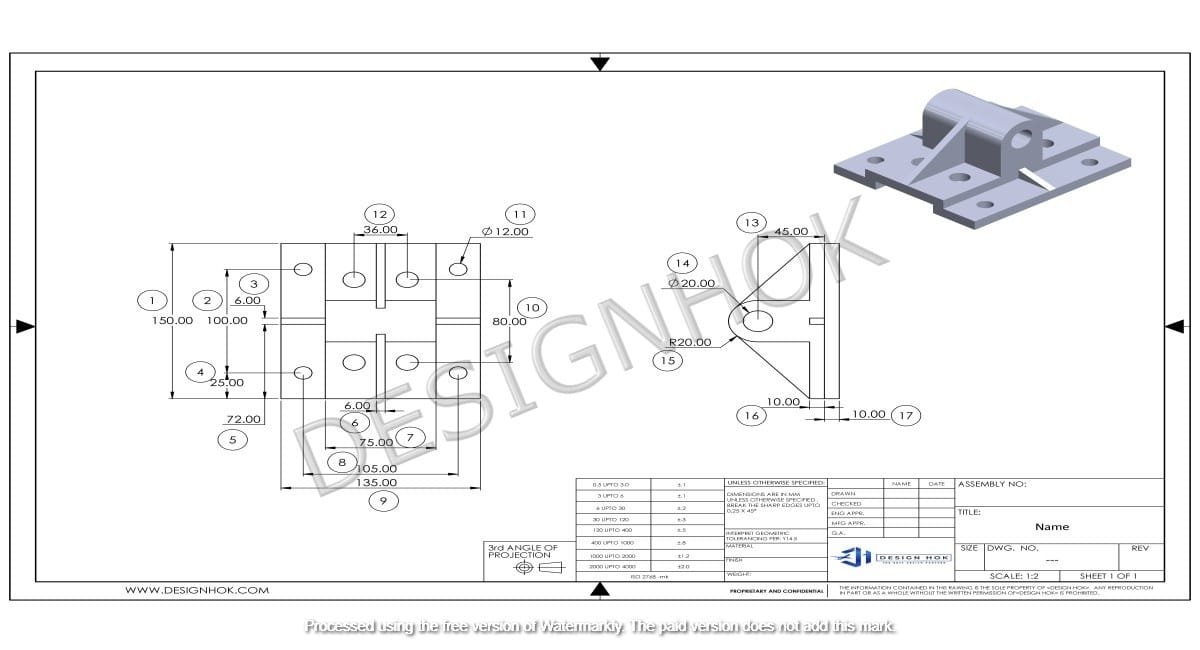

So, why should you pick the easiest free 2D CAD software? Designers and hobbyists often look for CAD software that is simple yet powerful. For companies like DesignHOK, which rely on 2D drafting, having free and easy software is a big advantage. This guide looks at some of the best free 2D CAD tools that can help with projects of different levels.
Table of Contents
Understanding 2D CAD Software
You use 2D CAD software for a number of tasks. These include creating flat drawings, layouts, and technical plans. It is not like 3D tools since it is centred on 2d designs. Engineers, designers, and other experts in different fields use it. At Design Hok, we use the easiest free 2D CAD software because it is cost-effective and saves time. It also enhances your accuracy. So, you can draw with exact measurements, and it minimizes errors. Apart from 2D CAD, there are a number of free softwares.
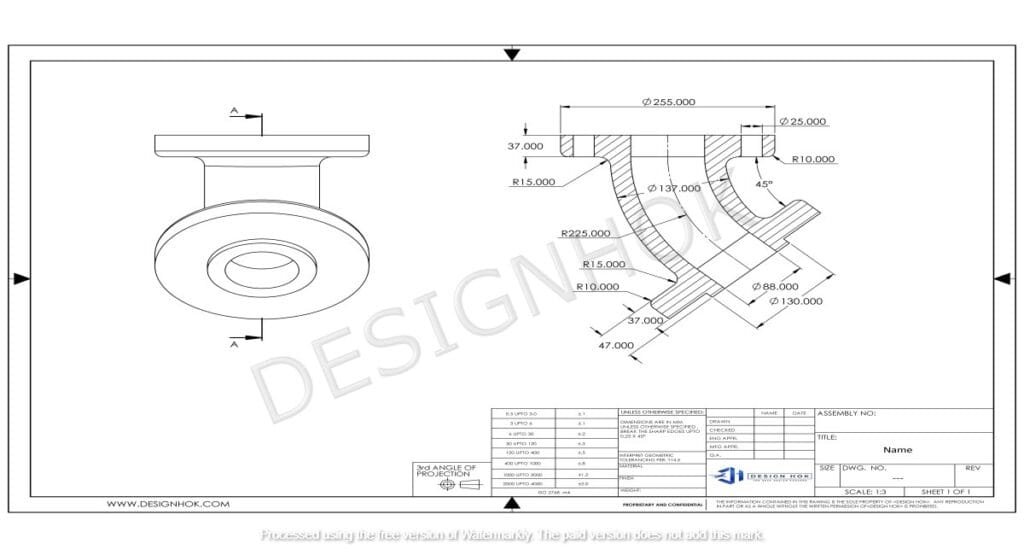
Easiest Free 2D CAD Software
1. LibreCAD
- Introduction: An open-source program with strong drafting tools. Works well with DXF files.
- Easy-to-use: It has a simple interface and several tutorials online.
- Ideal Use: It allows you to make technical drawings, plans, and schematics.
2. QCAD
- Introduction: It is an open-source option for 2d drafting.
- Easy-to-use: It has a clean design and easy tools for beginners.
- Ideal Use: You can sketch mechanical parts, electrical layouts, etc.
3. NanoCAD Free
- Introduction: Professional-grade CAD with a free version. It is like AutoCAD.
- Easy-to-use: It is very easy to understand for AutoCAD users.
- Ideal Use: It lets you do basic 2D drafting and make in-depth designs.
4. TinkerCAD
- Introduction: You can use it on a browser without the need to install. It is popular because of 3D, but you can also do basic 2D tasks.
- Easy-to-use: You just have to drag and drop. So, it is best for beginners.
- Ideal Use: You can make quick sketches and prototypes.
5. FreeCAD
- Introduction: It is basically used for 3D modeling, but also has a 2D drafting option.
- Easy-to-use: You can do whatever you like. It is a customizable tool.
- Ideal Use: Experts or professionals use it for both 2D and 3D options.
Choosing a free 2D CAD Software
- Easy-to-use: It is easy to understand. Moreover, the layout is appealing.
- File Support: It should work with all the required CAD files.
- Community Help: They should provide community support through forums and tutorials.
- Customization: You should be able to adjust tools for work.
- Scalability: It must have options to do advanced tasks as well.
Benefits of Free 2D CAD for DesignHOK
For organizations like DesignHOK, free 2D CAD software provides:
- Saves Money: You do not need expensive licenses.
- Flexible Use: It can be used by several team members.
- Compatible: It is efficient on a number of devices and platforms
Summary
Finally, you should pick a software that meets your requirements. Beginners can use LibreCAD and QCAD as they are easy to use, and you can trust them. If your work is complicated, then NanoCAD Free or FreeCAD are the best. So, you can create perfect and professional designs using these tools.
FAQ
1. Is a free CAD tool a good option for real projects?
Absolutely, there are many free softwares that are helpful for professional use.
2. Can you use it with AutoCAD files?
A number of free tools allow for various AutoCAD files. Hence, they are best to work with.
3. Can I securely download this software?
You should download it from the official site..
4. Which among LibreCAD and QCAD is better?
Beginners can use either of them. However, QCAD is much easier to use
5. Can you manage complicated tasks using these tools?
You can use the easiest free 2D CAD software for basic or medium-level tasks. However, you must use paid tools for advanced tasks.