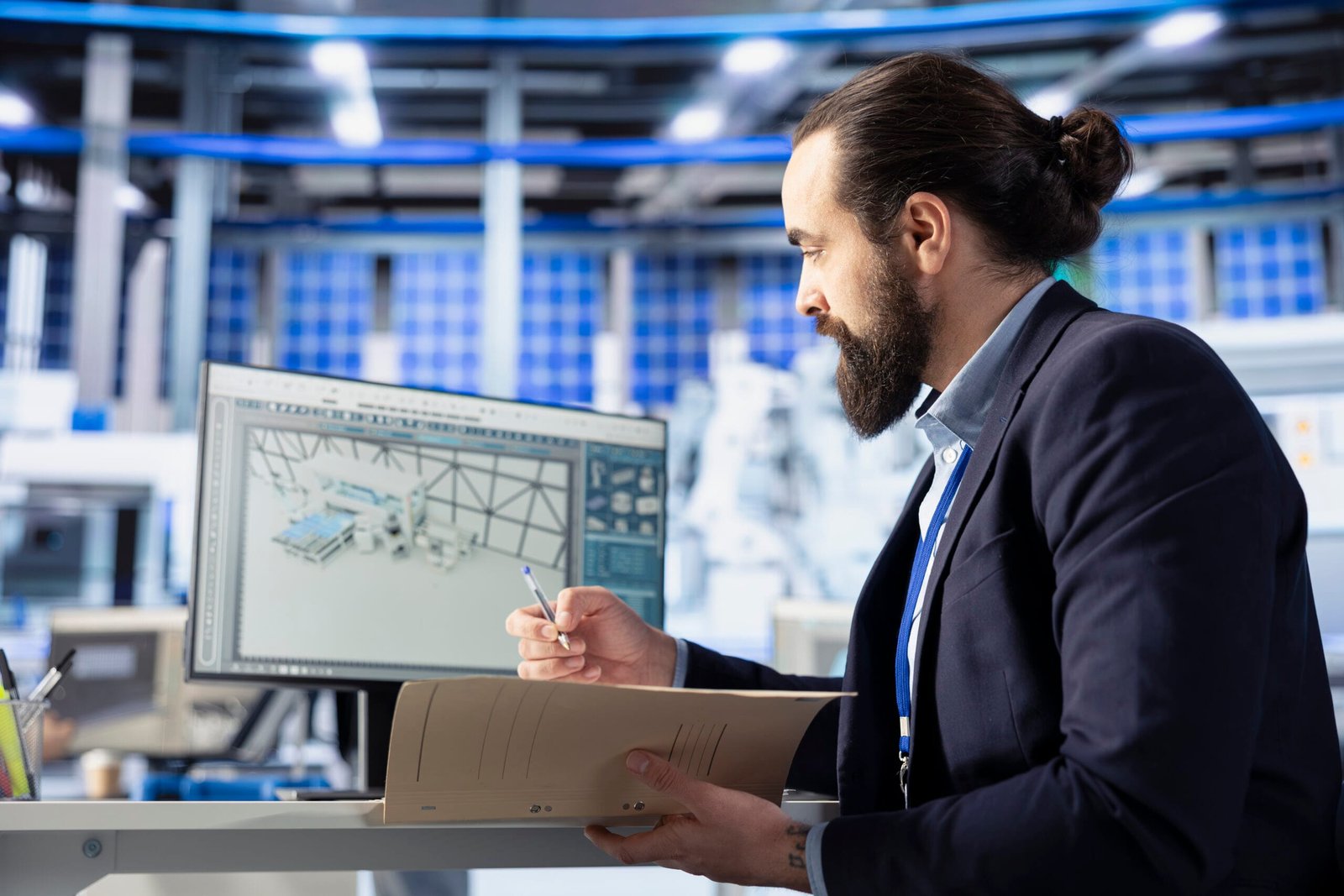
Visualization is a key part of modern engineering and product development because it helps make ideas into real things. In the past, designers got ideas by sketching, drawing in 2D, and making models of real things. CAD 3D visualization is now a very useful tool for engineers, designers, and manufacturers. This is because digital technology has improved. CAD 3D visualization lets professionals make digital models of products that look like they are real before they are made. These models show you what the design will look like, how it will work, and how it will be built in the early stages of development. Design HOK is the best choice for CAD 3D Visualization.
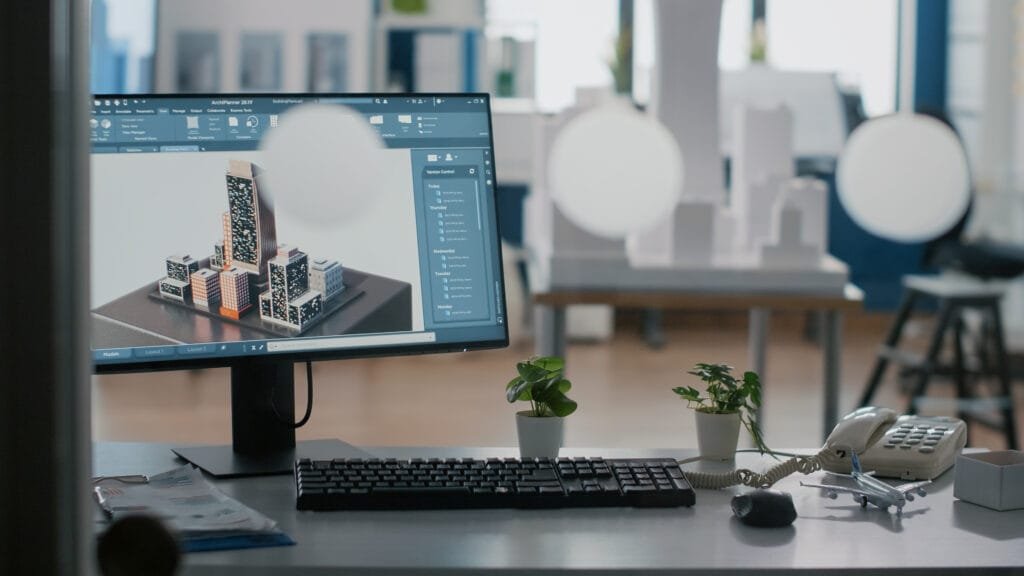
Finding out about CAD 3D visualization
When you use Computer-Aided Design (CAD) software to make digital models of things in three dimensions, that’s called CAD 3D visualization. The size, shape, texture, material, and light of these models are all right.
Engineers can look at mechanical parts, find problems, and improve designs before they are built.
Here are some areas that use CAD 3D visualization a lot:
- Making a product
- Making machines
- Building cars
- Designing buildings
- Design for work
- Electronics for everyone
What CAD 3D Visualization Can Do to Help You Design Products
It takes a lot of planning, creativity, and technical accuracy to make a product. CAD 3D visualization helps designers see their ideas more clearly, which makes every part of the design process better.
Making the Design Better
CAD 3D visualization helps designers improve the design after they make the first model. They can change the size, materials, textures, and structural parts to make things work better and look better.
Things that help you see 3D CAD
CAD 3D visualization uses a lot of advanced software programs. These tools are great for modeling, rendering, and simulating things.
AutoCAD
One of the most popular CAD programs is AutoCAD. It lets designers make very detailed 2D drawings and 3D models for building and engineering projects.
SolidWorks
A lot of people use SolidWorks to design machines and make new things. It lets engineers make very accurate 3D models and test how well a product works.
Fusion 360
Fusion 360 is a program that brings together CAD, CAM, and CAE. It works with cloud-based project management and design workflows that let people work together.
CATIA
Many people in the aerospace and automotive fields use CATIA to make things that are hard to make. It has advanced 3D modeling and visualization tools that are helpful for large engineering projects.
Blender
Most people know Blender for animation and rendering, but it can also be used to make presentations and realistic product photos.
How CAD 3D Visualization Works
There are a lot of different ways that CAD software can help designers make models that look and act like real things.
Making 3D Models
CAD 3D visualization is based on 3D modeling. Designers tell the computer what things look like, how big they are, and how they are built so that the computer can make digital models of them.
There are many ways to make models, such as:
- Modeling that works well
- Making a model of the surface
- Making models with settings
These methods make sure that designs stay correct and can be changed easily.
Using texture and material
Using different materials and textures makes the model look more real. Designers can use computer programs to make metals, plastics, glass, wood, and other materials look like they will when they are done.
Lighting and Rendering
Lighting is a big part of visualization. Designers can make shadows, reflections, and highlights that look real by changing the lighting.
Rendering takes the 3D model and turns it into a high-quality picture or animation that shows what the final product will look like.
Modeling and doing research
Engineers can use a lot of different CAD systems to see how a product will work in the real world. For instance, they can do the following:
How strong the building is
How well it works when it’s warm
How things move and how they work on a mechanical level
These simulations help find possible design problems before production starts.

How CAD 3D Visualization Makes Prototyping Better
Making a prototype is a big part of creating a new product. Making physical prototypes used to take a lot of time and money. Digital prototyping has changed this process by letting you see things on a computer in three dimensions.
Faster Prototype Making
CAD tools make it easy to quickly make digital prototypes. Designers can try out different versions of a product without having to build real models.
This speeds up the development process a lot.
This makes the end product more accurate and reliable.
Better Testing and Checking
Engineers can use virtual simulations to see how a product will work in different situations. For instance, they can act like they’re putting pressure on something, changing the temperature, or moving it.
Conclusion
CAD 3D visualization has changed the way products are designed and made. This technology lets designers make realistic digital models, which makes design more accurate, cuts down on development costs, and speeds up the prototyping process.
FAQs
1. What fields use CAD 3D visualization?
People who work in architecture, manufacturing, aerospace, cars, and consumer electronics use CAD 3D visualization a lot.
2. What are some of the most popular CAD 3D visualization programs?
Some of the most popular programs are AutoCAD, SolidWorks, Fusion 360, CATIA, and Blender.
3. How does using 3D CAD visualization make prototyping better?
It lets designers make digital prototypes, which they can use to test and improve products before they make real ones.
4. What is the difference between CAD modeling and CAD 3D visualization?
CAD modeling is all about figuring out how a product will work and look. CAD 3D visualization, on the other hand, is all about using materials, lighting, textures, and rendering to make the model look like the final product.
5. How does CAD 3D visualization help you make prototypes of products?
With CAD 3D visualization, designers can make digital prototypes that they can test and change before they make the real thing. This makes it easier to make things because you don’t need as many physical prototypes.
6. Can CAD 3D visualization help lower the cost of making a product?
Yes, CAD 3D visualization helps save money by finding design flaws early, using less material, and needing fewer physical prototypes during the product development process.
7. Does using CAD 3D visualization improve presentations to clients?
Yes, CAD 3D visualization makes realistic images and animations of products that help clients and other people who are interested in the design idea understand it before it goes into production.