
Introduction
2d/3D modeling is compatible with every design, which helps to design every model with accuracy. In this modern world, where an engineer plays a very essential role in designing precise and safe products with the help of modern softwares such as CAD. Now, if it’s a 2D/3D modeling, every detail must be accurate and safe. AS 9100 is an international quality standard that is made for those industries where accuracy is very important. It ensures that every design must meet the strict quality and documentation requirements. This guide will help you learn about the role of AS 9100 in CAD, drafting, and modeling. It allows designers and manufacturers to maintain top-quality work.
Understanding AS 9100
AS 9100 is an international quality management standard, developed by the International Aerospace Quality Group (IAQG). It is specially designed for the aerospace industry. It is based on ISO 9001. ISO 9100 is a general quality standard, but it includes some extra requirements(related to safety and reliability), which is why it is called AS 9100 .
It focuses on:
- Product safety and reliability
- Design control and traceability
- Risk management
- Configuration and change management
- Supplier quality and verification
In short, when a firm is AS 9100 certified, it means you can trust their process, quality, and commitment to excellence.
Why AS 9100 Matters in CAD and Modeling
For engineers and designers, CAD files are not just drawings; they are the foundation of manufacturing. A minor error in a design may cause safety risks.
The implementation of AS 9100 ensures proper workflow
- Every drawing follows verified standards.
- All revisions and versions are tracked.
- The designs follow customer guidelines and regulatory requirements.
- The purpose of design is clearly communicated across all teams.
Role of CAD in AS 9100 Compliance
It is an international quality standard for aerospace and precision manufacturing. It doesn’t tell which software to use, but it sets some rules and strict guidelines that have to be followed
Here’s how it works:
1. Design Planning
Every project begins with understanding what the client needs. AS 9100 requires a clear plan before any work starts.
Here are a few strategies that we follow:
- What the design must achieve.
- Who is responsible for each part?
- How will we check quality and progress?
A clear path keeps everyone on the same page, and it ensures consistent results.
2. Design Inputs and Outputs
AS 9100 requires that all design inputs (such as customer specifications, regulatory standards, or material properties) be well-defined before design begins.
When creating 2D/3D modeling drawings or 3D models, designers must translate these inputs into clear design outputs, like:
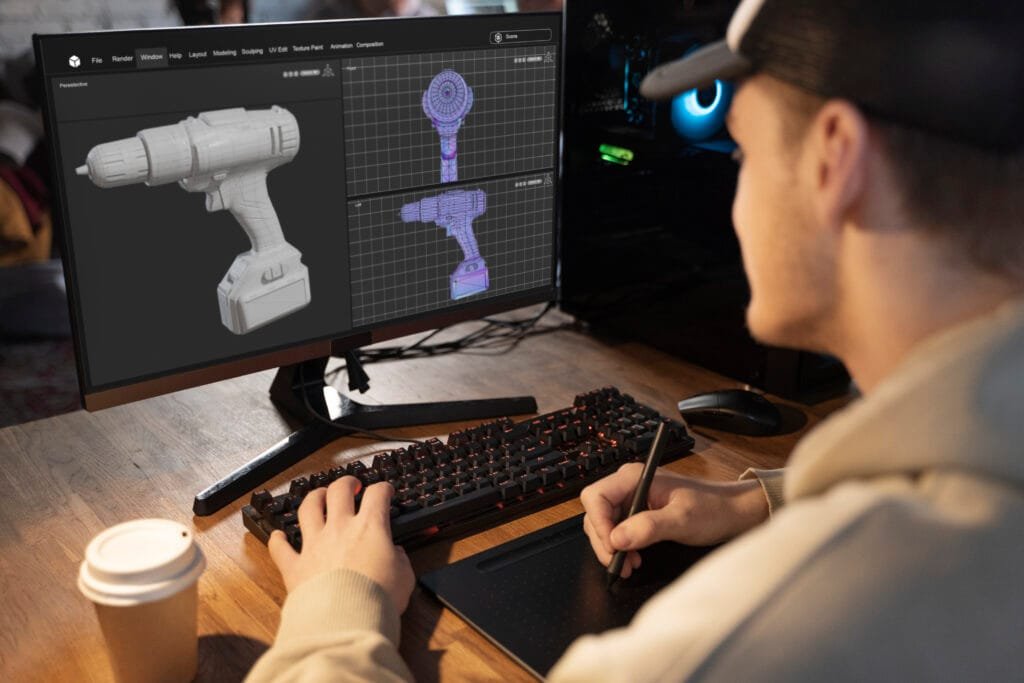
- CAD assemblies and part models
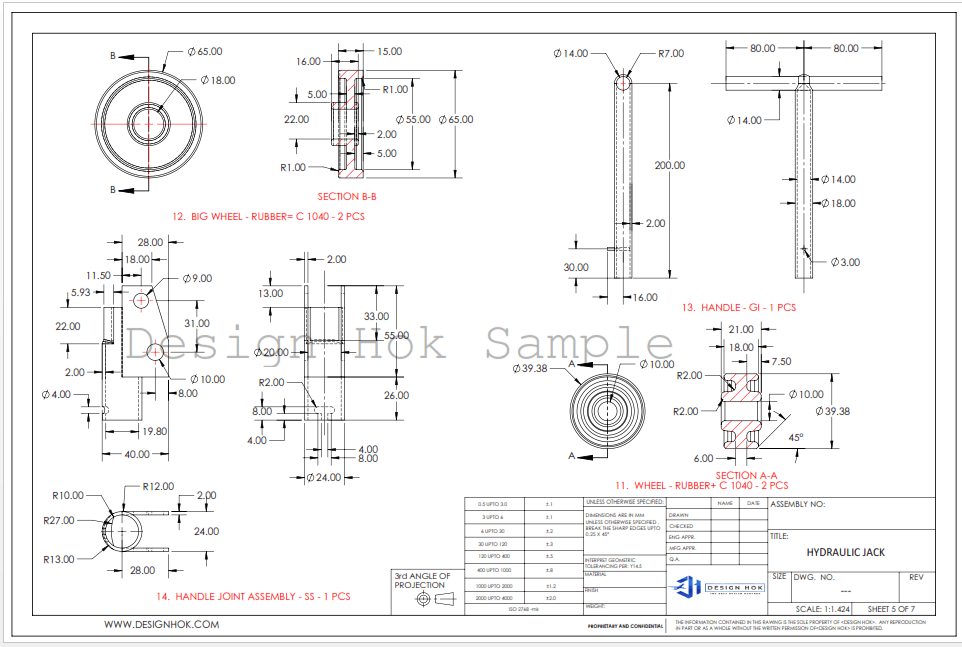
- 2D drawings with dimensions and tolerances
- BOMs (Bill of Materials)
- Simulation or performance data
Each output must be reviewed to ensure it satisfies the original inputs and maintains compliance, and prevents miscommunication.
3. Design Verification and Validation
Verification and validation are two important parts of AS 9100.
- Verification checks if the design meets specifications.
- Validation confirms that the design performs as expected in real life.
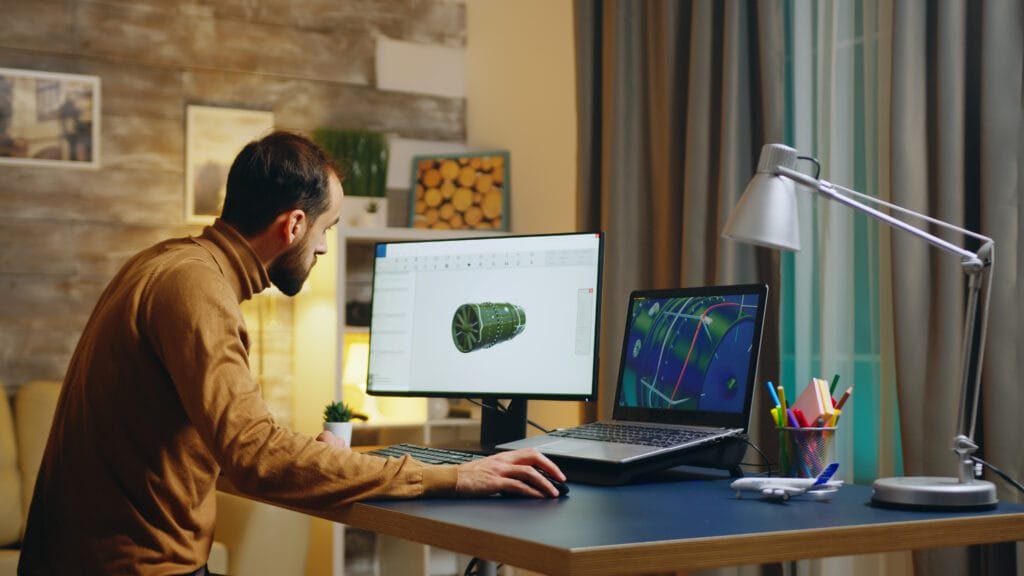
We use both these tests through 3D simulations and a prototype. If a model passes inspection, then it’s sent for ready to production. This ensures that our work is precise.
4. Configuration and Change Management
When designing aircraft, even small changes can have big effects. AS 9100 requires companies to track and control every design change.
We use these tools to manage and document every update.
For CAD teams, this includes:
- The version control in PDM/PLM systems (like SolidWorks PDM, Autodesk Vault).
- Proper revision numbering in drawing title blocks.
- Change logs and approval records.
5. Risk-Based Thinking
We use modern tools to inspect how each part behaves in different flight conditions. We perform analysis by using modern simulation tools such as stress testing and thermal analysis to ensure that the Design HOK is accurate and solves real-world problems.
AS 9100 in 2D Design and Drafting
In past traditional designs, AS 9100 ensured that technical drawings communicated clear, standardized information.
This includes:
- Engineers accurate dimensions and tolerances.
- They use proper labeling and annotations.
- Standardized title blocks with revision control.
- Legible, detailed drawings that meet manufacturing requirements.
Each drawing must go through formal review, approval, and release processes — with all versions archived for traceability. Even though 3D modeling has become common, 2D drawings remain vital for manufacturing documentation and quality assurance.
AS 9100 in 3D Modeling and Digital Design
In modern design workflows, 3D modeling plays a central role. These standards ensure that digital models are created.
Here are the key features included
- Model Integrity: All models must be fully documented, with no missing dimensions.
- Data Management: These files should be backed up, securely stored, and version-controlled.
- Simulation and Validation: All models are often tested digitally before manufacturing to verify performance.
- Cross-Team Collaboration: Designers, analysts, and manufacturers must have synchronized access to model data to ensure accuracy.
This process ensures that the digital twin of the product, the virtual 3D model, perfectly represents the physical part or assembly.
Conclusion
AS 9100 isn’t just a standard; it’s a guideline for engineers so they can do their work precisely. For designers and manufacturers, it provides a structured path to deliver safe and reliable designs that meet aerospace and mechanical standards. The team of engineers can improve their collaboration and ensure accuracy. In an industry where precision defines success, AS 9100 ensures that every model, drawing, and design meets the ultimate goal of safety, quality, and perfection.